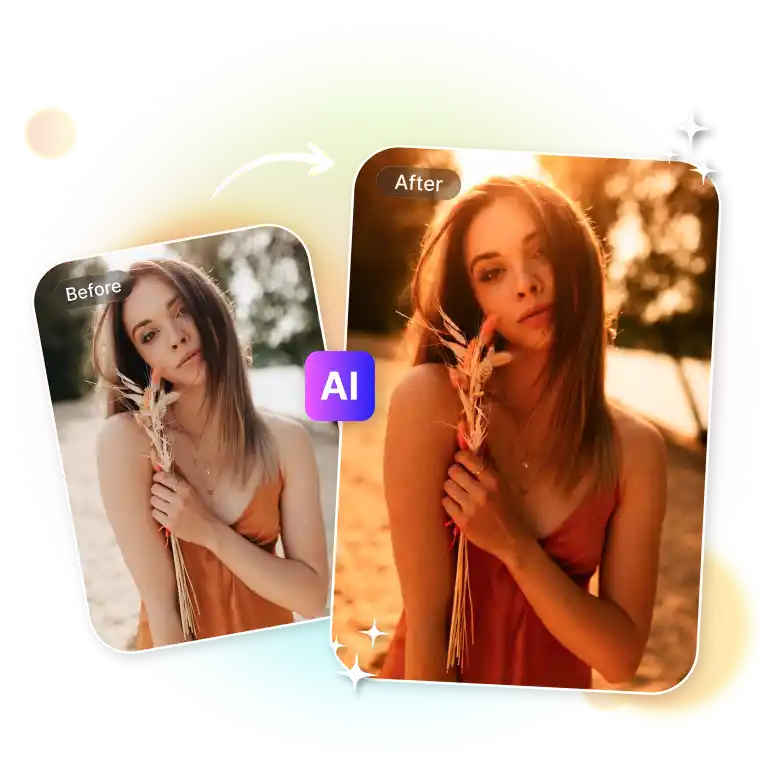
How to add a golden hour filter to your photo
Upload your photo
Upload a clear image in (JPEG, PNG, or WEBP) format.
Choose lighting
Explore all lighting presets and choose “Golden Hour”.
Download
Click “Generate” and Download your edited image in high quality once you’re satisfied with the result.
Make any photo look like it was shot at golden hour
No more waiting around for the sunset anymore! Get the warm glow on any photo with AI golden hour light effect. Whether you are indoors, under flat light, on cloudy days, or have bad phone shots. It’s the fastest way to fix lighting in a photo without manual editing or shooting at a specific time. Just upload and let the AI do what the sun wouldn't.
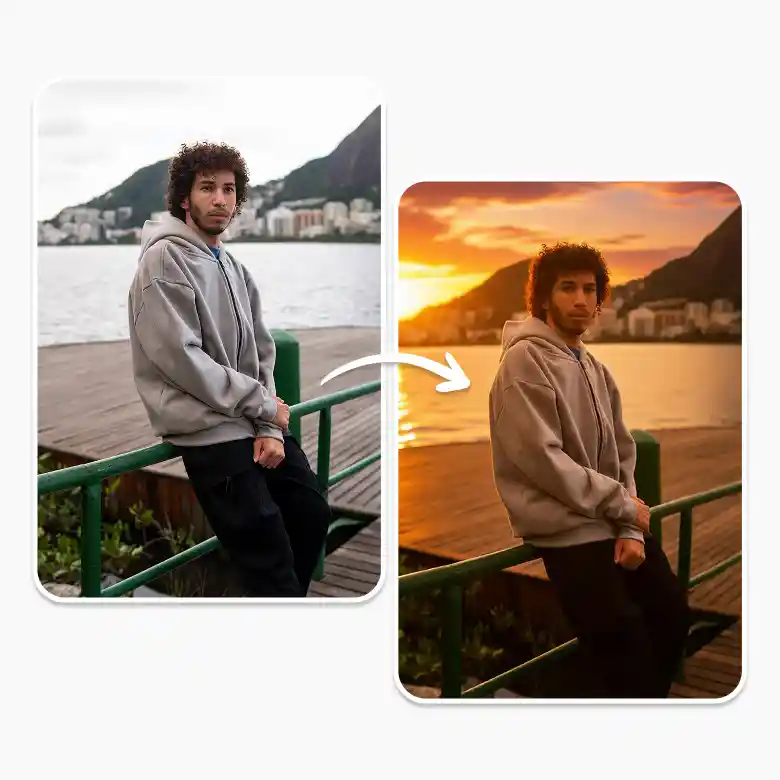
Generates light, doesn't just filter it
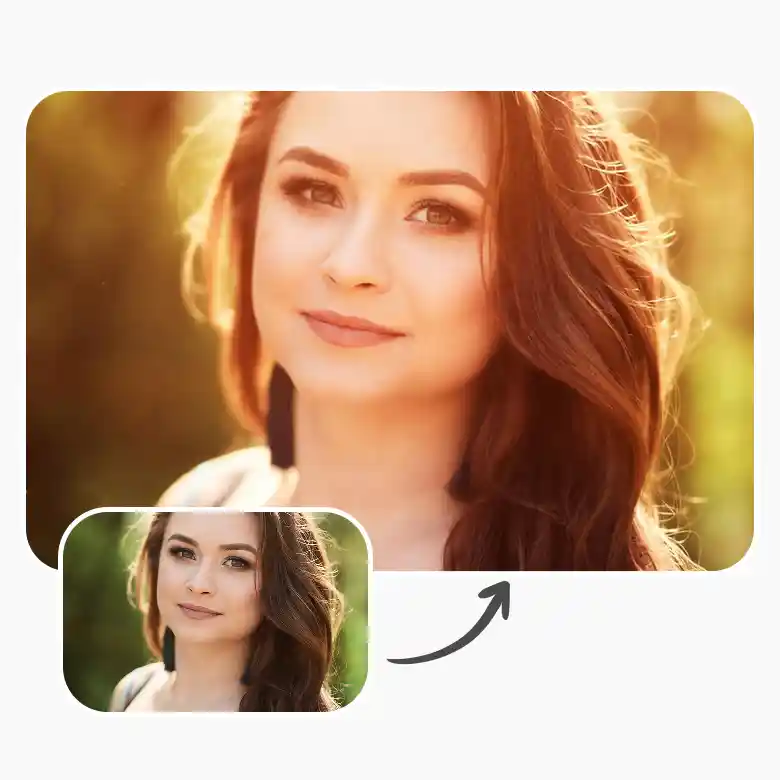
This isn't a warm tone adjustment or a yellow overlay. Our tool regenerates the photo with lighting the way light actually behaves at sunset. Shadows shift. Highlights warm up. The whole scene responds. It looks like natural light is coming through, not like a filter was applied on top.
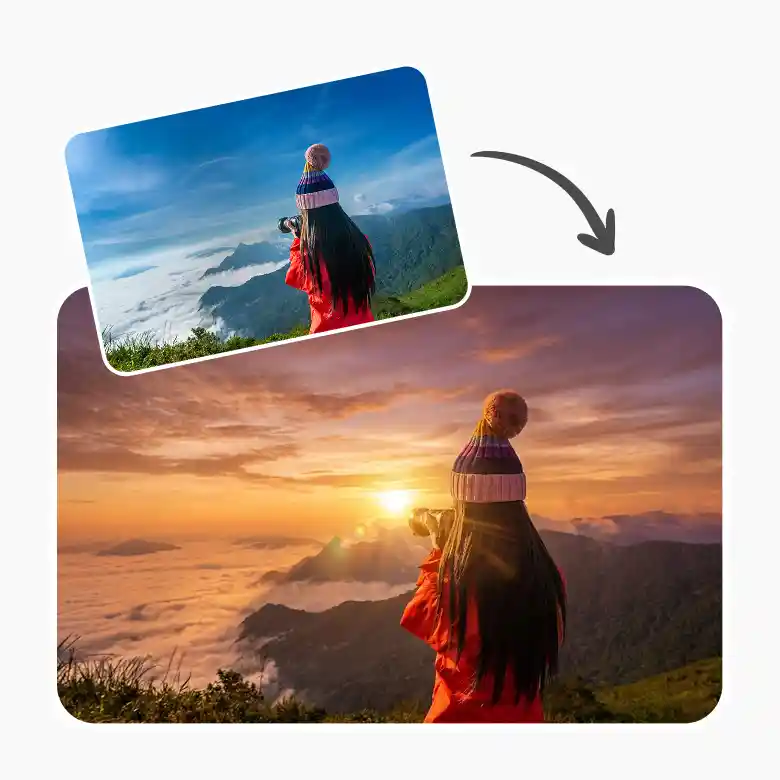
Adds glare without killing the quality
Our tool doesn't wash out colors or overlay important details. It's smart enough to understand what matters in the frame and where to play with light. The picture gets enhanced, not light-slapped.
Low quality photos come out sharper.
Flat photos come out with depth.
The glare is added where it should, not everywhere it can.
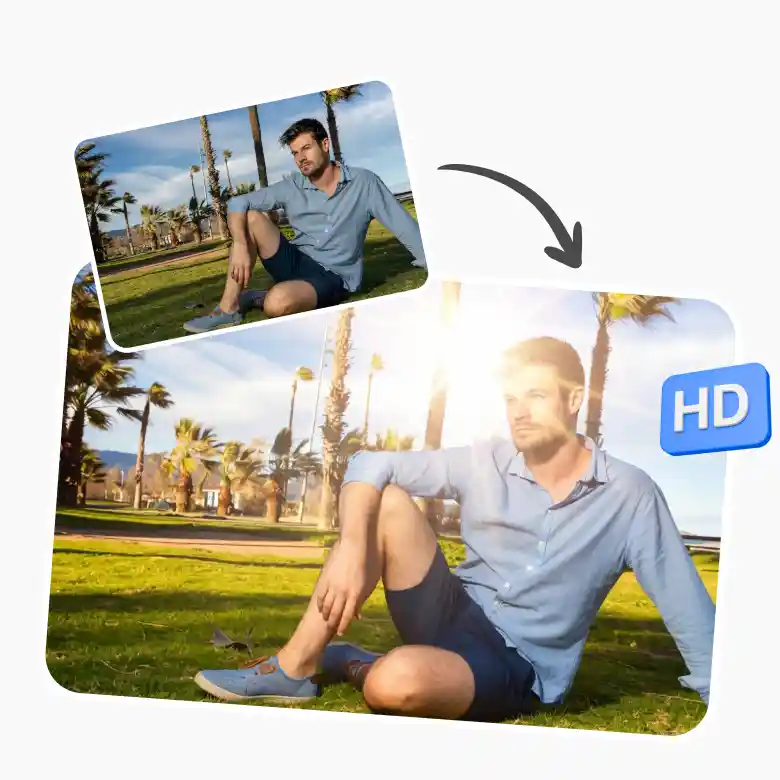
Built for aesthetic feed, glow-up posts & before-afters
This is your go-to for making any Instagram or Pinterest feed look curated. Add instant warmth and dimension to portraits for glow-up posts, or create before-and-after edits to show a difference. Have lifestyle or travel content? Even better! Makes every shot look planned, not lucky.

Fully customizable with prompts
Have 100% control over the golden hour light. Once your image is generated and you want to make changes, go to “My Generation and use the “Change with AI” option to prompt how you want your image to look. Play with Colors, Light direction, Intensity, and Style.
Complete lighting & editing suite
Take your sunset aesthetic further with LightX's full editing suite:
Add glare or denoise for a cleaner or more textured film look Unblur Image to recover sharp detail without losing the soft analog feel Remove unwanted shadows and glare before layering your light leak.
This gives you a complete set of everything you need at one place without switching tabs.