






How to reshape faces?
Upload your photo
Add your image to the editor in JPEG or PNG file format.
Use the reshape tool
Choose a feature like face shape, ratio, eyebrows, eyes, nose, or lips, and reshape using the sliders.
Download image
Click on apply and then ‘download’ to save the edited image to your device in JPEG or PNG.
Natural-looking face reshaping with AI automation
LightX AI face reshaping tool is a fun and exploratory virtual plastic surgery tool that subtly reshapes each facial feature. It serves as a virtual solution for chin fillers, rhinoplasty, lip fillers, and brow lift surgery. You can instantly preview a slimmer face, a tighter jawline, and also fix the nose, lips, temples, and chin. It’s:
✔ Realistic
✔ Subtle, and
✔ Doesn’t lose photo quality.
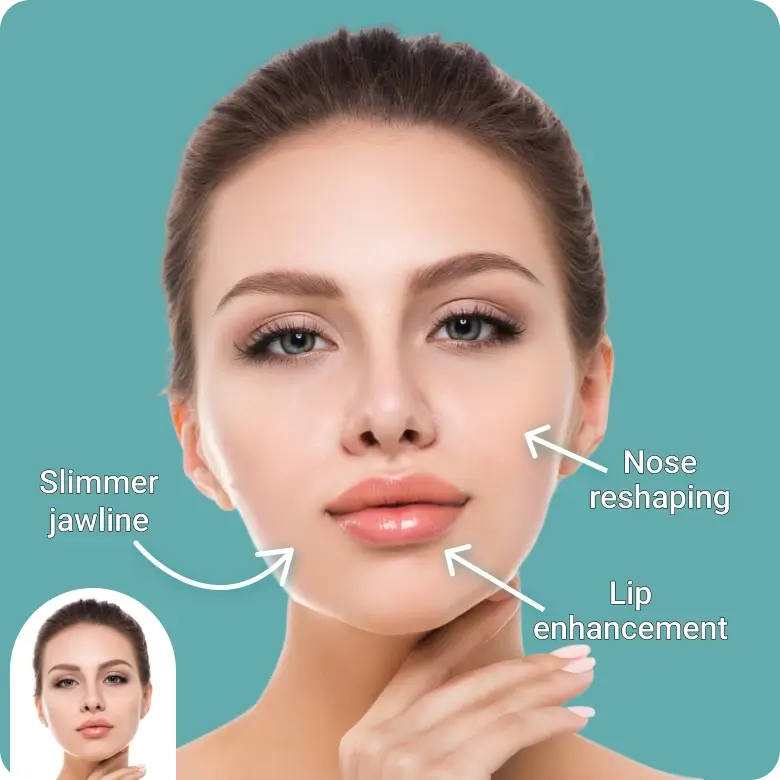
Reshape each feature with precision
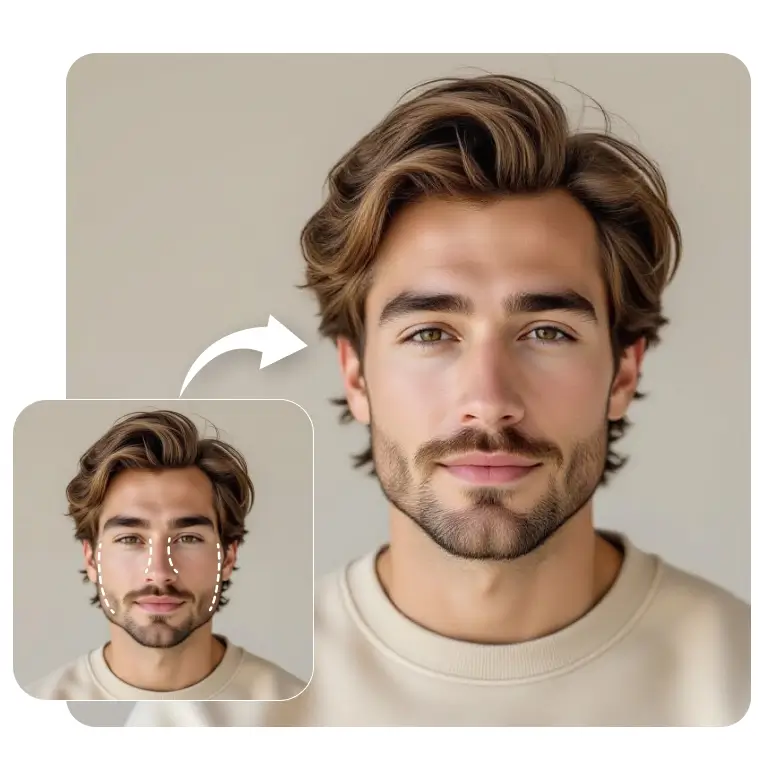
Once you upload your photo, the tool analyzes each feature of your face. You can then select and reshape each feature with easy-to-use sliders. No need to manually use any liquifying tools! The tool is so precise, with granular customization options, that it is easy to use and is fully automated.
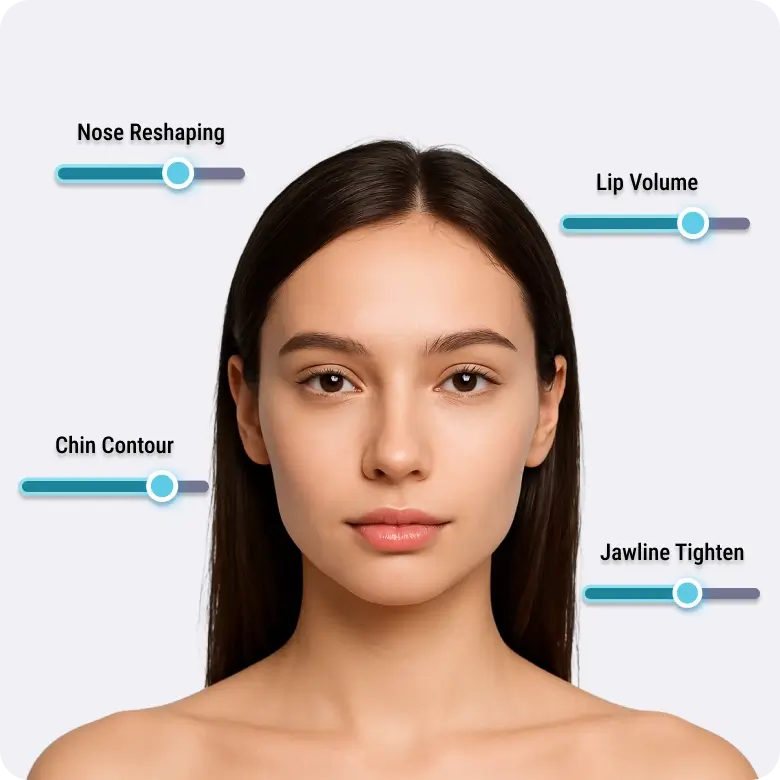
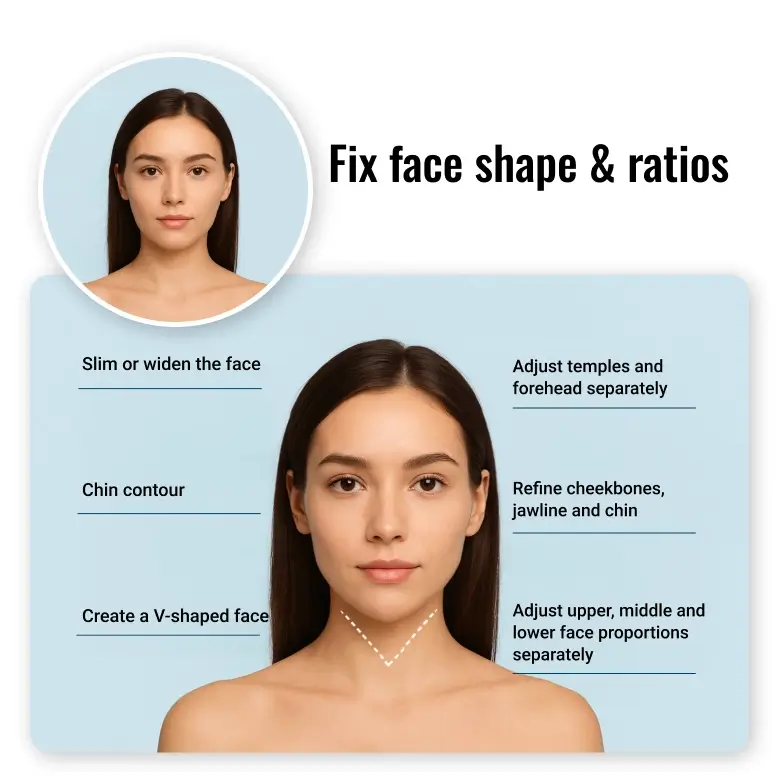
Fix face shape and ratios
• Slim or widen the face
• Adjust temples and forehead separately
• Refine cheekbones, jawline, and chin
• Create a V-shaped face, get a slender face
• Adjust the upper, middle, and lower face proportions separately.
Perfect your brows
• Thicken or thin eyebrows
• Increase or decrease length
• Lift or tilt
• Adjust peak height (raise or lower)
• Adjust the distance between brows
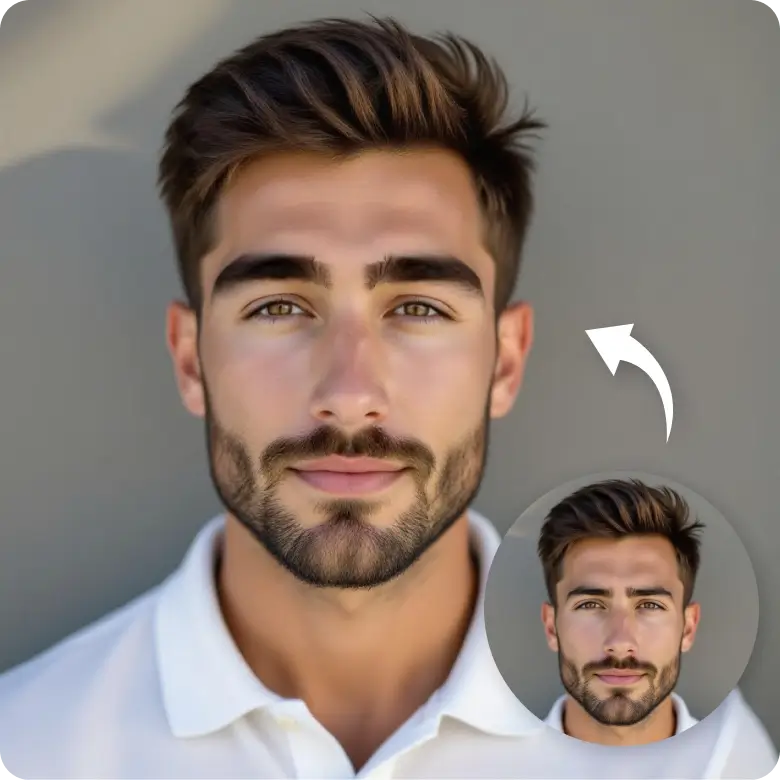
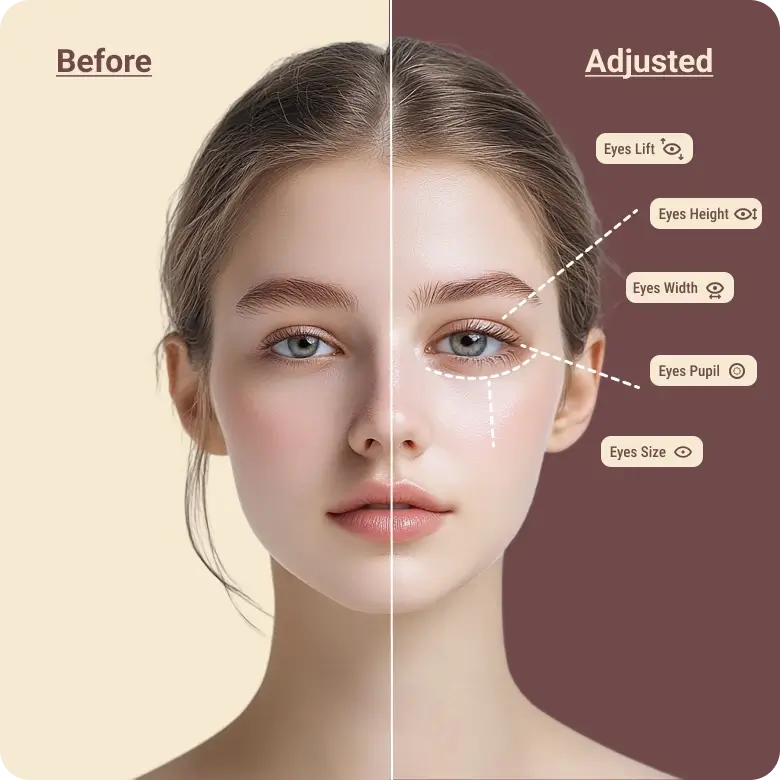
Redefine eyes
• Make eyes larger or smaller
• Make pupils bigger
• Lift the inner or outer corners
• Adjust width, height, and
• Adjust the spacing/ distance between the eyes
• Refine eyelid shape and tilt the lids
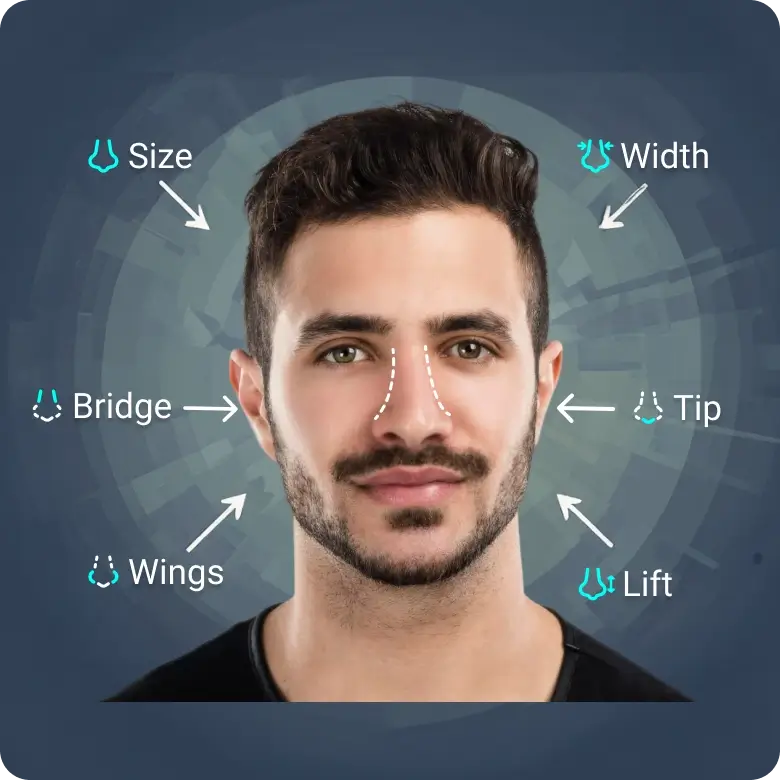
Edit nose shape
• Adjust overall size and width
• Refine bridge, tip, and nostrils (wings)
• Lift or lower the nose
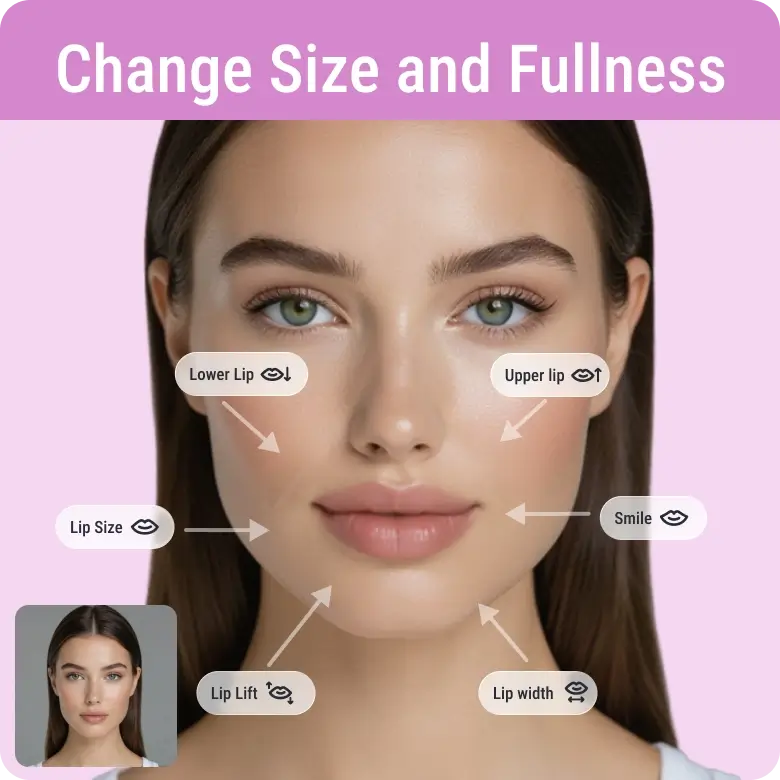
Get fuller lips
• Change size and fullness: Upper and lower lips separately
• Refine width and lift
• Increase or soften the smile
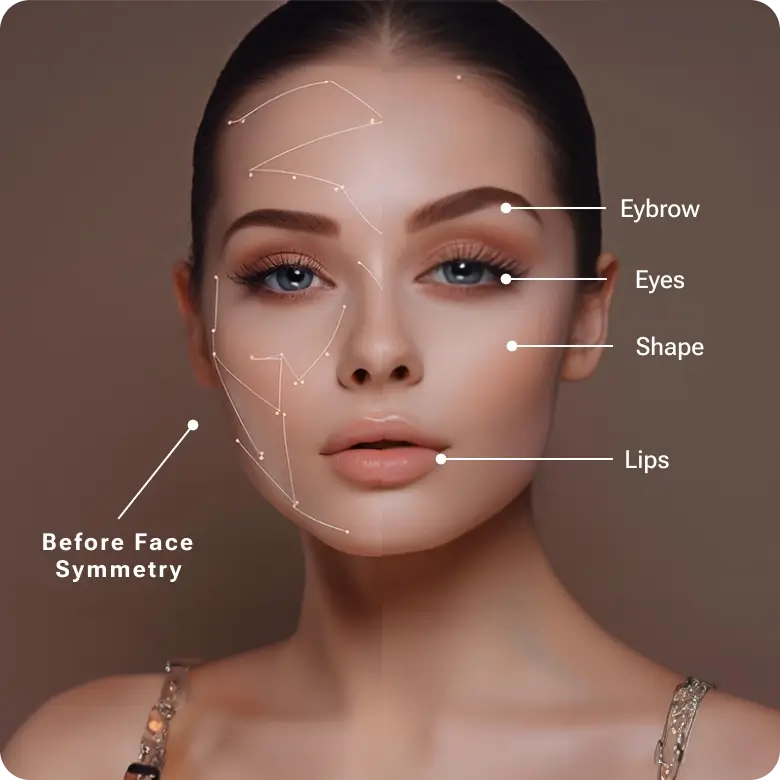
Perfect your face symmetry
See yourself in a “golden face ratio”. LightX also gives you the flexibility to do face correction by perfecting your facial symmetry.
Each feature can be adjusted separately on the left and right sides.
You can symmetrize the face with individual sliders, for example:
One eye bigger than the other → fix each eye separately
Lower lip bigger than the upper → adjust only the upper lip
One eyebrow tilted differently → correct each brow individually
From selfies to clinics, trusted by everyone
Professional photographers: Can use it to edit wedding shots, professional model shoots, or portraits.
Everyday users: Can refine their photos for business headshots, dating apps and social media.
Influencers: Can create a model-like look.
People considering cosmetic procedures: Can try virtual previews before committing.
Cosmetic surgeons & aesthetic clinics: Can show clients realistic before-and-after results.
Explore other reshaping tools
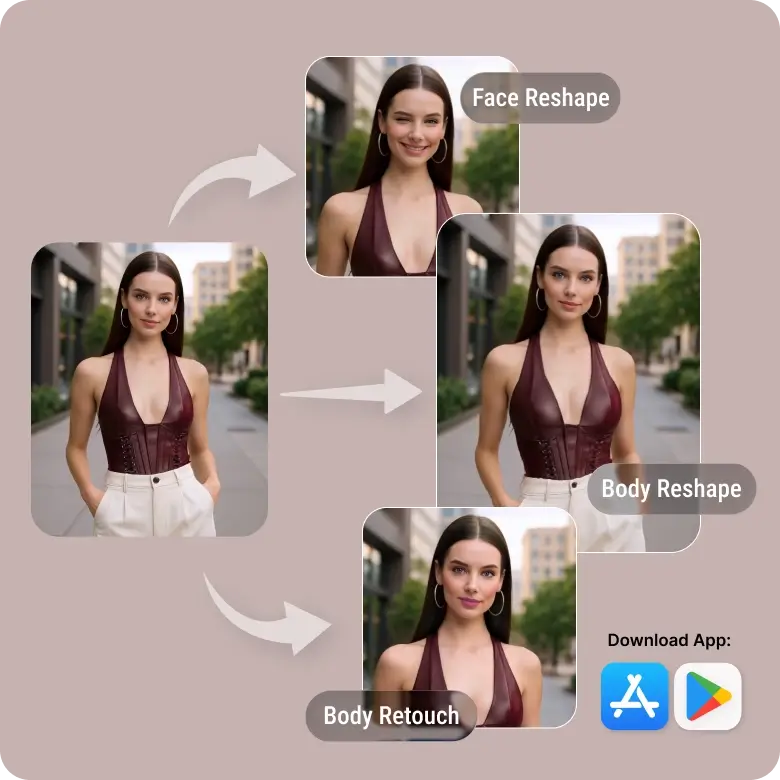
LightX face editing tools range from subtle, aesthetic edits to fun, exaggerated edits. Besides reshaping, you can explore facial expression changer, retouch your face with makeup effects, or use the body editor for full-body adjustments. We expand our toolkit by letting you create playful edits with funny face filters. Available on the web, App Store, and Play Store, you can now edit anytime, anywhere, with flawless results every time.
Frequently Asked Questions
No, a person looking sideways is not detectable as of now, but we are working on adding this feature.