


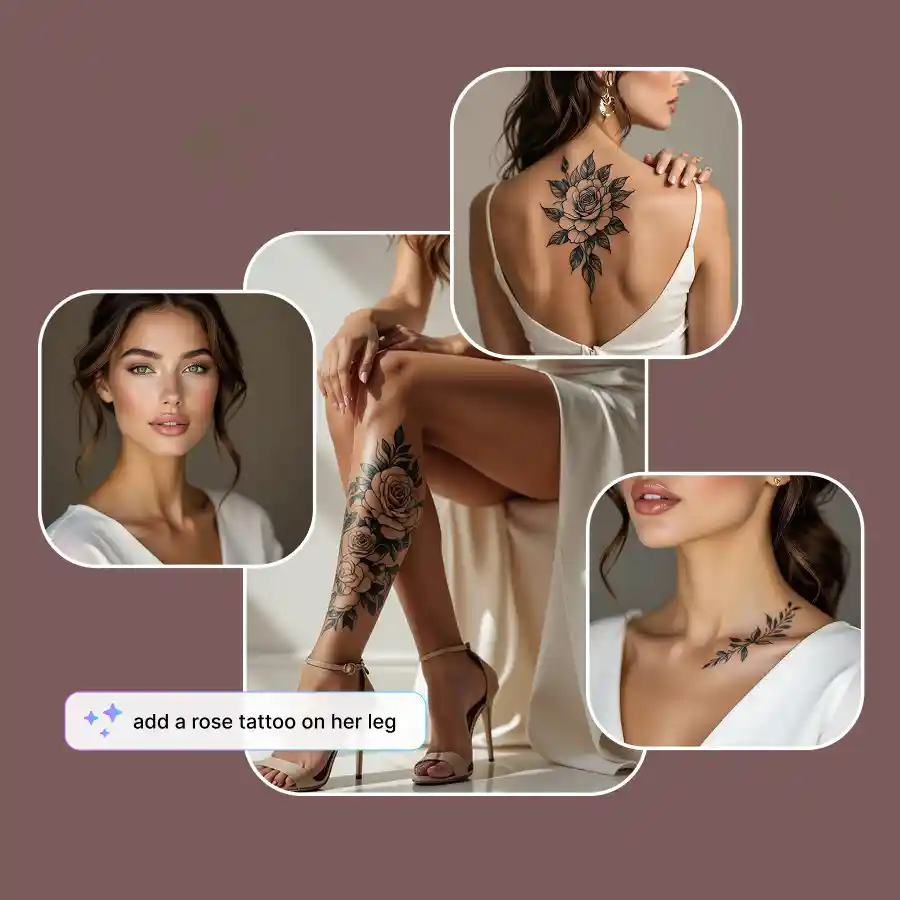
How to add tattoos to a picture?
Upload your photo
Choose a well-lit and high-quality photo in the JPEG or PNG format that clearly features you.
Enter prompt
Simply type the body part and the tattoo design, then click Generate.
Download
Generate more variations or Download it to your device.
Realistic AI-generated tattoos on neck, back, leg, and more
Visualize a tattoo on various body parts in your photos with LightX's free AI tattoo on body tool. Whether you want a fierce dragon tattoo on your forearm, a delicate rose tattoo cascading down your neck, or any other tattoo on your back, leg, finger, or shoulder in pictures, replace a particular area of a body part flawlessly with a realistic and high-quality tattoo.
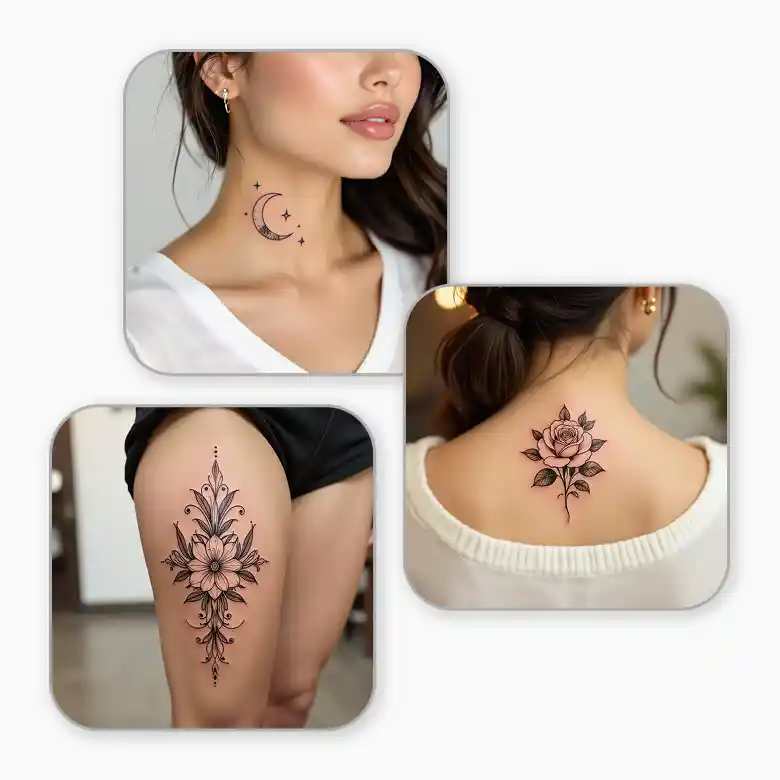
Get a customized AI tattoo without pain using prompts
Are you seeking a tattoo that truly expresses you without the pain of getting inked physically? Get a perfect, pain-free tattoo in your photos with LightX's advanced tattoos on image. Add your custom text prompt to bring all your tattoo dreams to virtual action. It will leave your friends and family amazed!
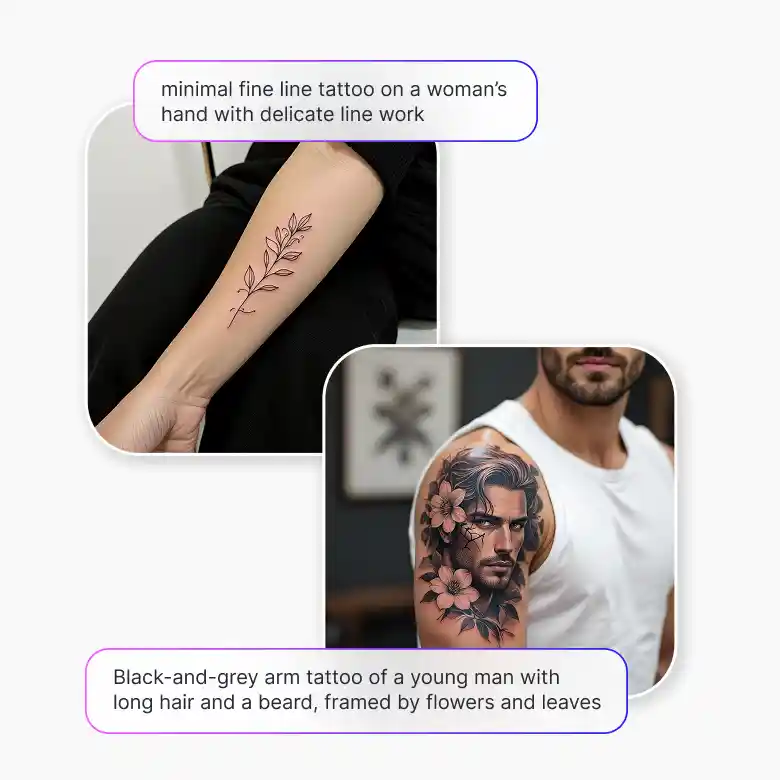
Tattoo AI generator for textual, traditional & other tattoos
Dreaming of a perfect tattoo without pain? Flaunt one in your photos with LightX's fake tattoo AI editor. Discover the most trendy tattoo styles for men and women alike. Or, create a text, traditional, minimalist, modern, or other tattoo design on yourself. With just a tap, you can get yourself realistic-looking AI-generated tattoo designs in images, along with an all-around aesthetic transformation.
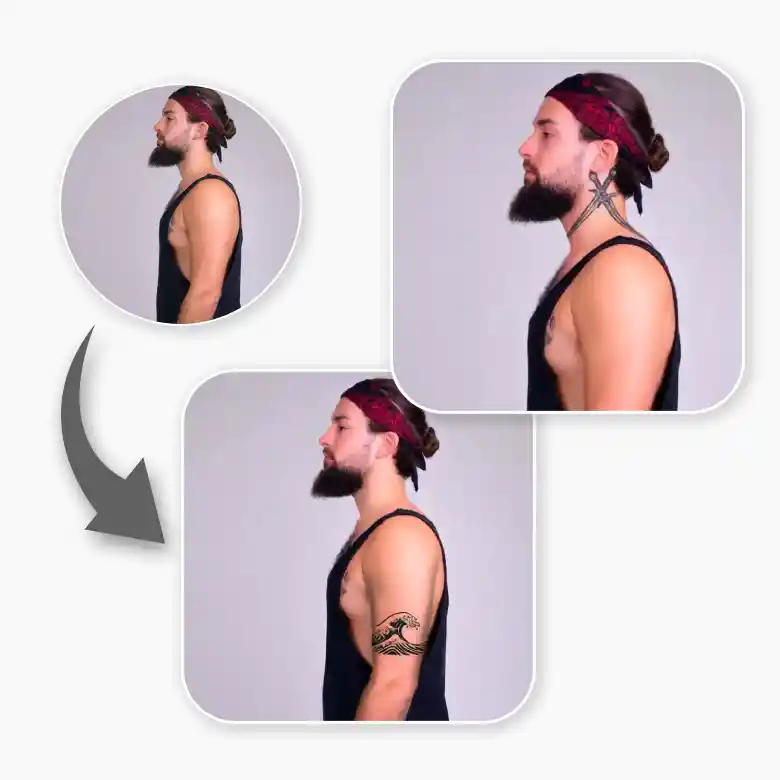
Frequently Asked Questions
You can have fake tattoos on yourself in photos with AI-generated body tattoos by LightX. Its straightforward image-to-image generation enables a smooth virtual tattoo integration in your photos.


