
Simple prompts can create every type of school logo
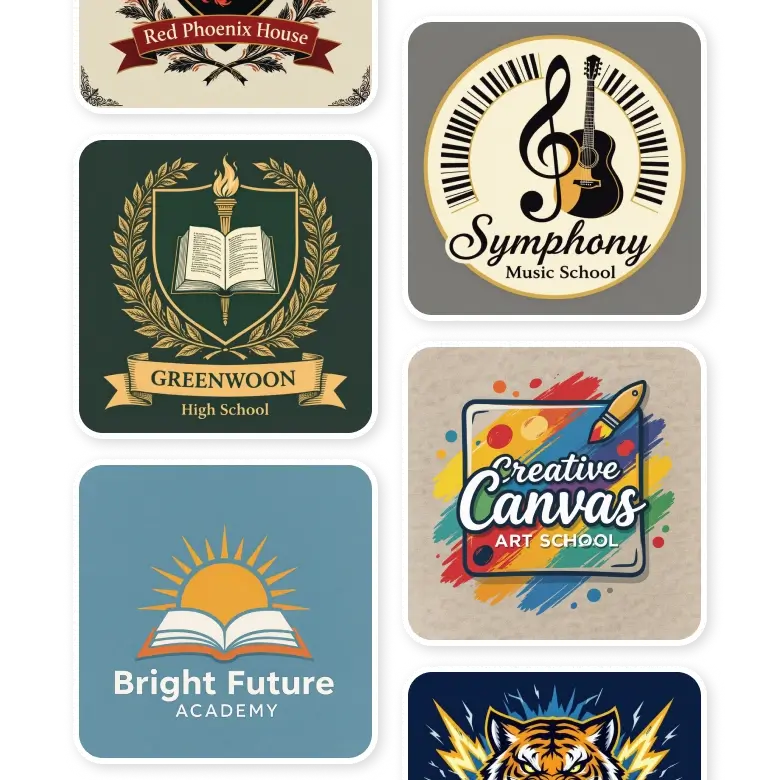
LightX makes it simple for you to create a school logo.
Just write a prompt > edit with prompts > generate and download.
Whether you are a newly established institution or an already established one, you can create a logo for every type of school.
• Institutions: Colleges, preschools, middle schools, high schools, or Sunday schools.
• Clubs: School houses, sports teams, drama clubs, competitions.
• Skills: Music, driving, art schools, and more.
Best prompt practice to create a school logo
• Types or category: Mention if the logo is for pre-school, colleges, or music school, etc.
• Text: Mention the name of the institution or brand, along with the slogan. Make sure not to make spelling errors. The AI will generate the name exactly how you spell it in the prompt box.
• Font style: Keep it as simple as you can. Mention font names or describe the style, such as old school, clean, minimalistic, royal, etc.
• Emblem or icons: Describe the logo you want, it could be a crest, mascot, coat of arms, animals, a candle, pencil, or notebook, etc.
• Shape: Mention if you want the logo in rectangular, circular, crest, or banner.
• Background: Normally, educational logos’ backgrounds are subtle, solid colors such as white, blue, black, or patels, but you can add a subtle gradient. Avoid using bold colors, textures.
• Placement of elements: Specify where the icons and text should be placed.
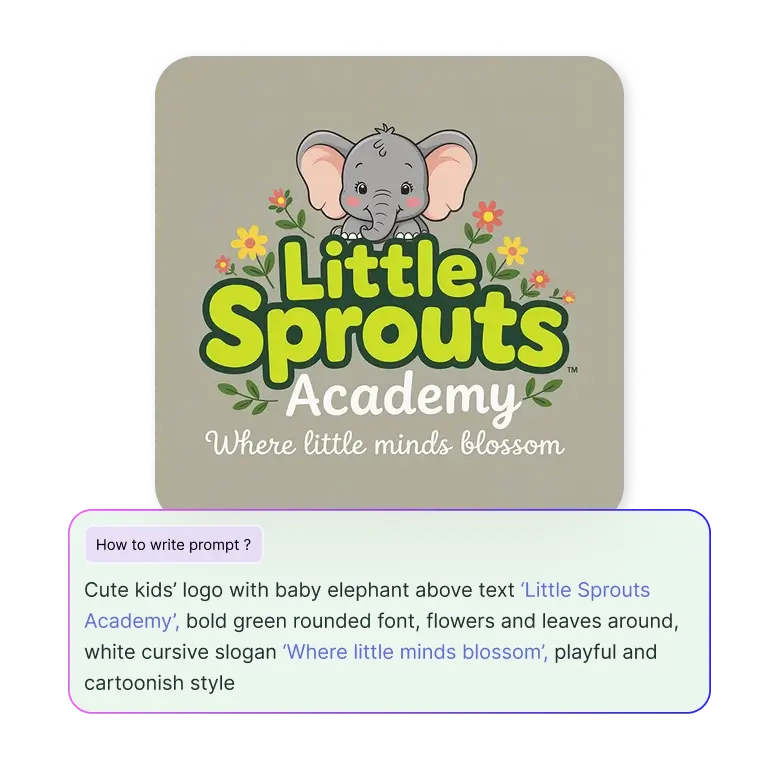
For example: “create a pre-school logo named 'Little Sprouts Academy’ with a slogan ‘Where Little Minds Blossom.’ The font should be playful. Add a baby elephant above the name.”
How to edit your generations
Your AI-generated logos are fully editable and can be used as a template. Click on the generated logo and select 'Change with AI.' Then, describe the changes you'd like in the prompt box below. You can add or change fonts, layout, colors of individual elements, or other elements.
For example, mention “replace the baby elephant with the monkey” in the prompt box. Generate, and only the part you mention will be edited, and everything else will be the same.

Why choose LightX?
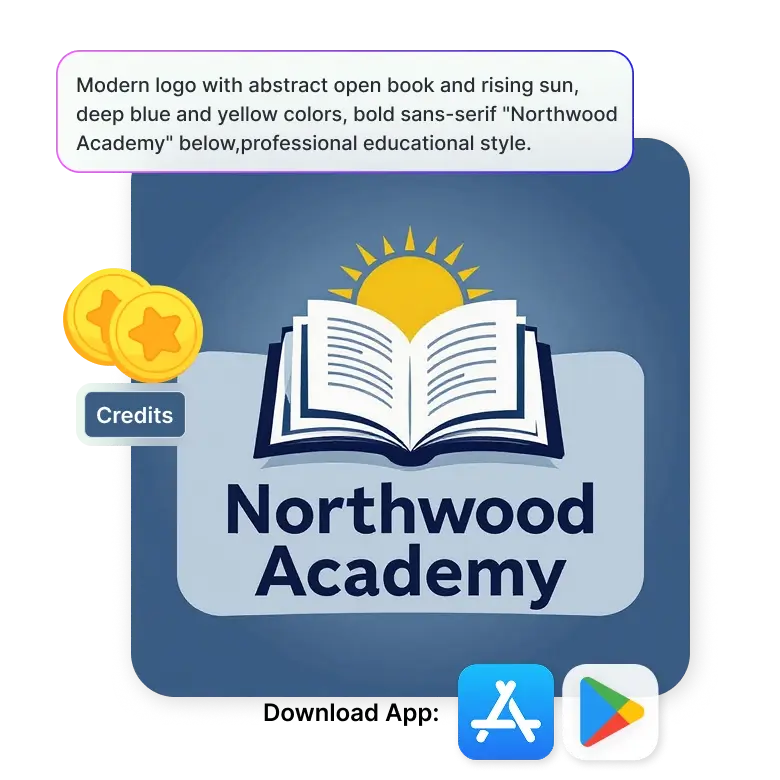
• Free 5 credits daily so you can create at no cost.
• Generate and edit your designs with prompt commands.
• Get inspiration from many creative school logo designs and make them your own.
• Accuracy in typography and spelling.
• An easy interface made for people of all skill levels.
• App access on Play Store and App Store for generations on the go.
Frequently Asked Questions
You can create a wide range of school logo styles, from generic to modern. Try wordmarks or monograms, pictorial, emblems, mascot logos, or even combine multiple styles into one design.
Discover more tools


