
Custom photography logos that reflect your creative identity
What if your photos were of High Quality, but your brand doesn't have the potential to show it? The logo is not only your brand identity, but it also captures attention, trust, and separates you from the crowd. Take the help of an AI photography logo generator and make your skill shine with pride, and all it's just one prompt away. Give a simple prompt and get your logo within seconds. Showcase your genre, and attract the clients with your visual Style.
Get photography logos for every type of work
Get a unique, high-quality logo without any extra effort in less time. With our photography logo maker, you can create custom logos for clubs, photography studios, or different niche photography. So, if you are a wedding photographer or a hobbyist. Don’t think twice, create a photography logo and make your work, your signature.
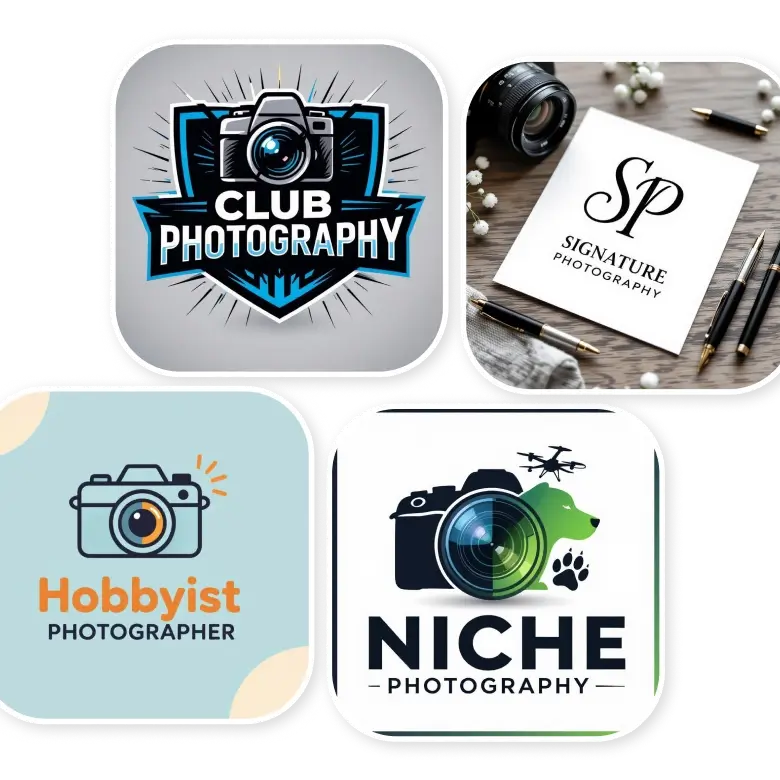
Get photography logo designs for different categories
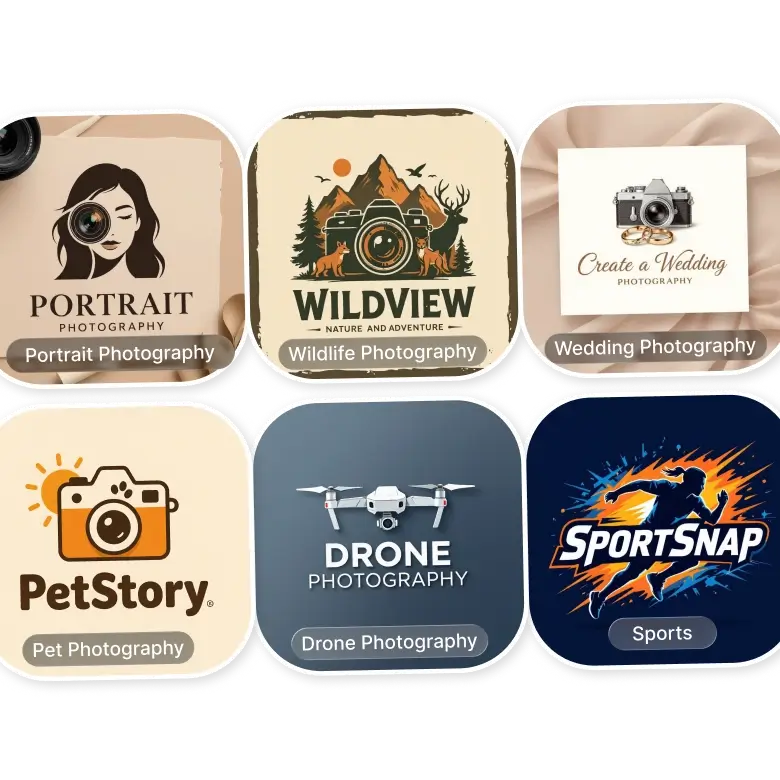
Wedding Photography
Choose soft, elegant logos. Simple fonts work best because weddings are emotional and timeless.
Sports Photography
Go for bold and strong logos. They match the speed and energy of sports photos.
Pet Photography
Use fun and friendly logos. Cute icons and rounded shapes feel warm and welcoming.
Drone Photography
Keep it minimal. Simple shapes and clean lines match aerial photos perfectly.
Wildlife Photography
Nature-inspired logos work well. You can try any green color logos like leaves, plants etc.
Portrait & Lifestyle Photography
Signature or text-based logos feel personal and memorable.
Commercial Photography
Simple text or modern logos work best. They are easy to use everywhere.
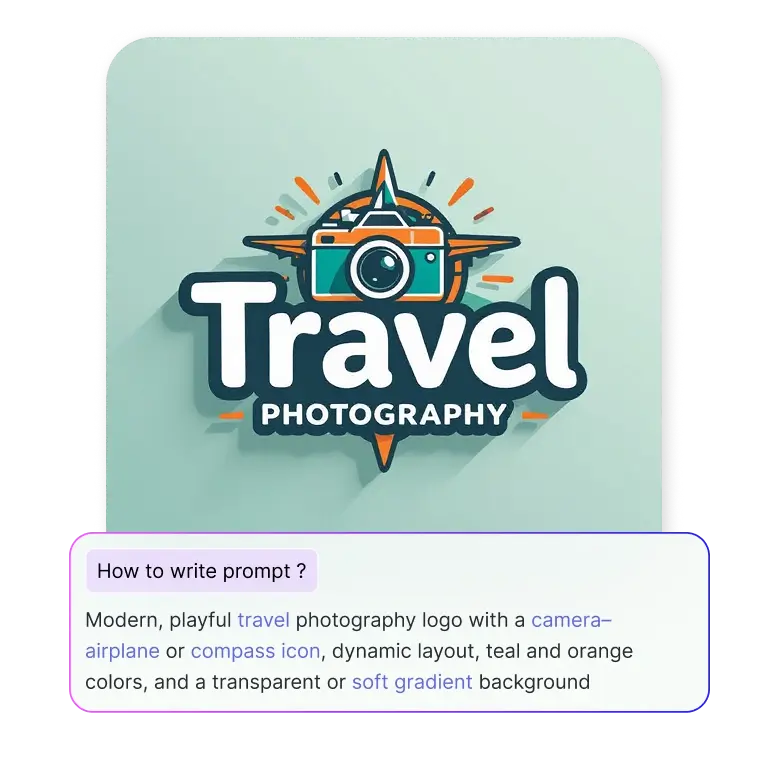
How to prompt to create a photography logo
Theme/Category: Tell about your theme, like wedding photography, travel, lifestyle, etc.
Text: Add your brand name, initials, or monogram.
Icon: Describe elements like a camera, lens, shutter, frame, aperture, or abstract symbol.
Layout: Clearly describe the layouts that you want, like circular, horizontal, geometric, or freestyle.
Colors: Choose tones that match your style. For ex- monochrome, warm neutrals, film-style palettes, or bold accents.
Background: You can try transparent, matte black, paper texture, film grain, soft gradients, or metallic accents.
After adding your details, select the photography or minimal preset and generate.
How to edit your logo
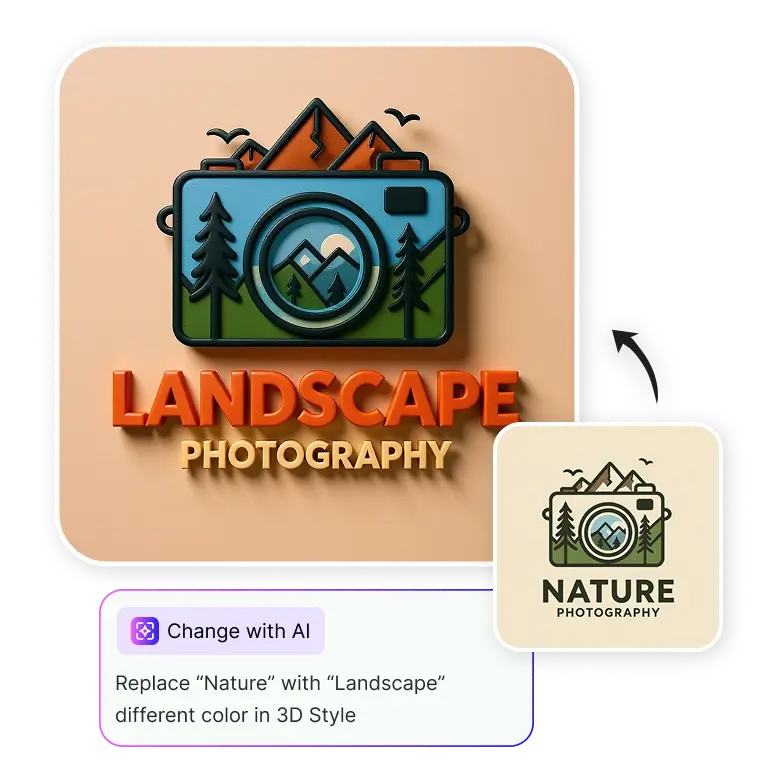
You might want to edit your brand mark, whether it’s the color scheme, font, or texture. To edit, open the generated logo, click “Change with AI,” and describe the changes you’d like. Only that part will be updated, while everything else remains the same. Try this logo maker for photography now and give your skills a new identity.
Frequently Asked Questions
No, no one can create the same logo. Even after giving the same text prompts, each time AI will create a new design, ensuring your brand remains original.


