
Create circular monograms for different purposes
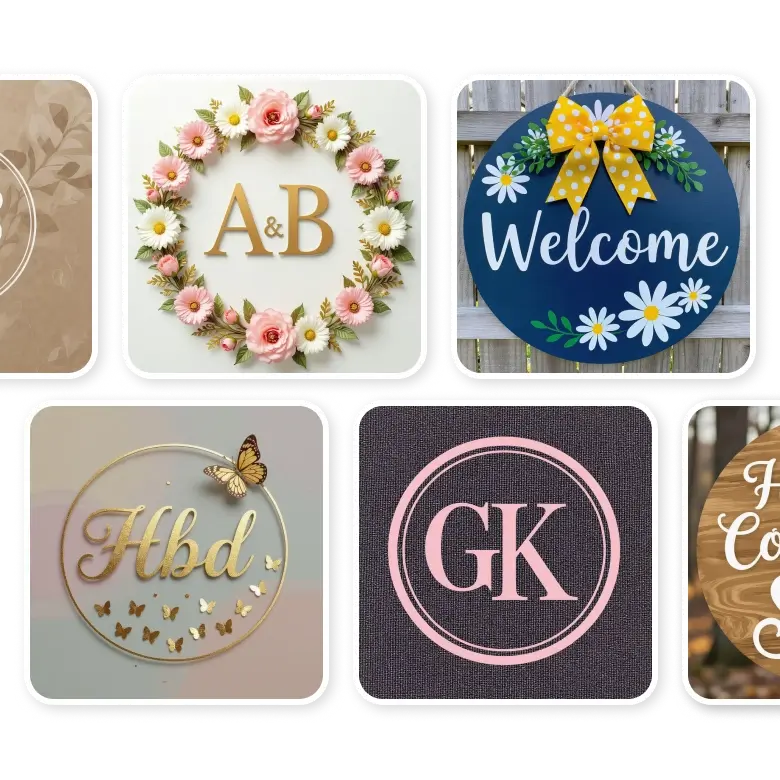
Generate high-quality circular monograms in different fonts such as classic, cursive, minimal, decorative, and more. Just provide your initials or names, and you can save or print from small to large canvases. They can be used for:
Personal Use: Create circular monograms for birthdays, weddings, home decor, custom stationery, and gifts, perfect for individuals and couples both.
Commercial Use: Circular business logos are more flexible and look great on packaging, marketing materials, social media, and branding.
Circle monogram elements to add in your prompt
• Content: Specify the content you want in the circular shape; it can be a name, initials, or a single letter.
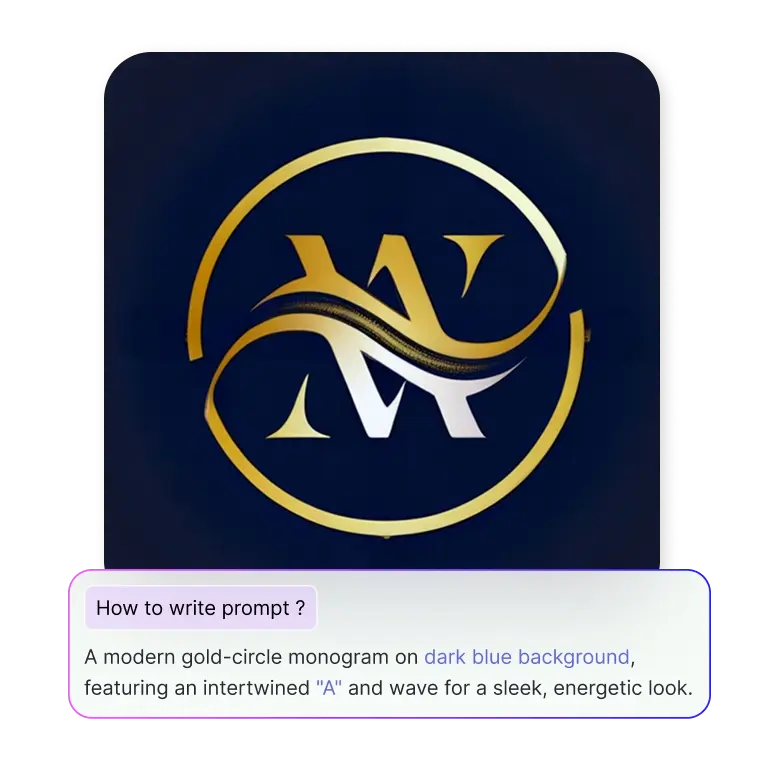
• Font: Just type in your 3 monogram letters, and if the spacing looks good, you can move further. Pick your font or let the AI generate it using text prompts like "royal," "cursive," “handwritten,” or "minimalist."
• Design: Include any symbols like coffee, flowers, hats, geometric shapes, jewelry, luggage, or seasonal icons inside or around the circle, including other DIY arts.
• Colors: Select colors for both the lettering and icons, like red, orange, yellow, green, blue, purple, brown, magenta, and more, to give the desired look and aesthetic appeal to your monogram.
• Texture or theme: Describe the background or texture, whether it’s marble, leather, carved in wood, etc.
Example prompt: Create a circular monogram with the word "bloom" in a flowing cursive font, include small leaves and flowers, and use green and yellow colors, on a watercolor paper background.
Editing your generated circle monograms
After you've created a simple circle letter monogram, you can edit it further using the prompts.
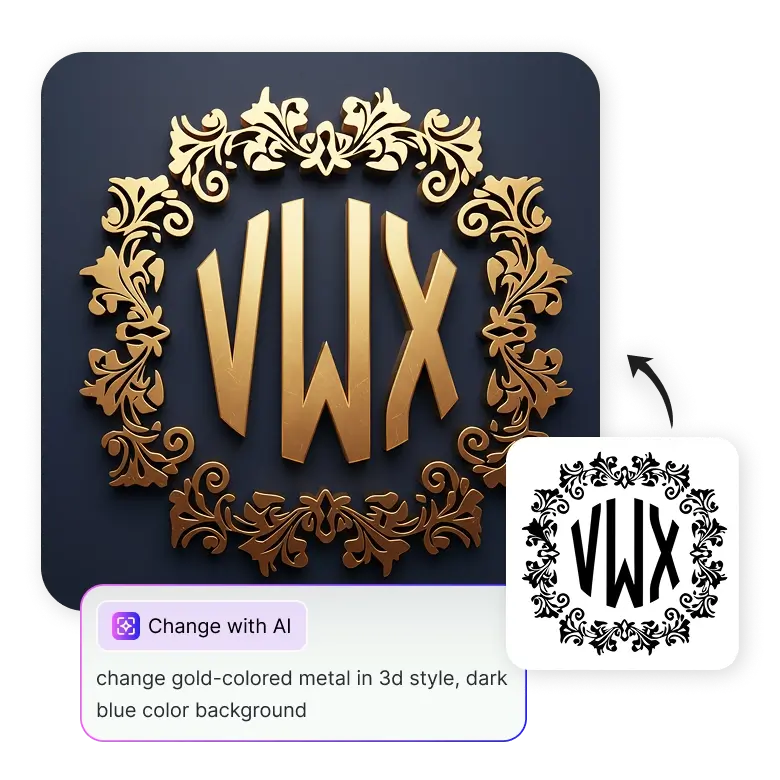
Open the generated image, go to "change with AI," and describe the changes you want in the prompt box. You can tell the AI to change fonts, split letters, adjust layouts, replace symbols, or change colors. Tell your brand story by personalizing the details instantly.
For example, “Change the color of the monogram to pink, purple with gold accents.”
Using this tool, you can edit specific elements in the generated image without disturbing the whole image.
Features that make our circle monogram maker unique
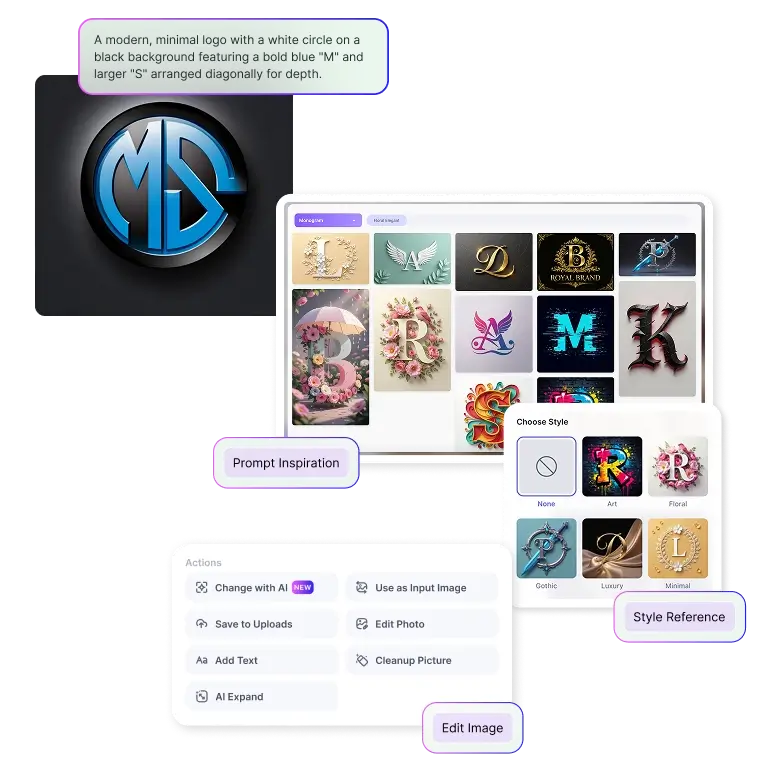
• Create: Generation and editing can both be done using text prompts.
• Inspire: LightX provides editable design ideas that you can use for yourself.
• Style: Use preset styles to generate in one click.
• Accurate: Generate outcomes without any spelling errors.
• Simple: User-friendly interface, made for both beginners and professionals.
• Download: Generate your image in high resolution for print and digital use.
Frequently Asked Questions
Yes, you get 5 free credits daily upon logging in. You can purchase more when needed based on your requirements.


