
Use split monograms for different purposes
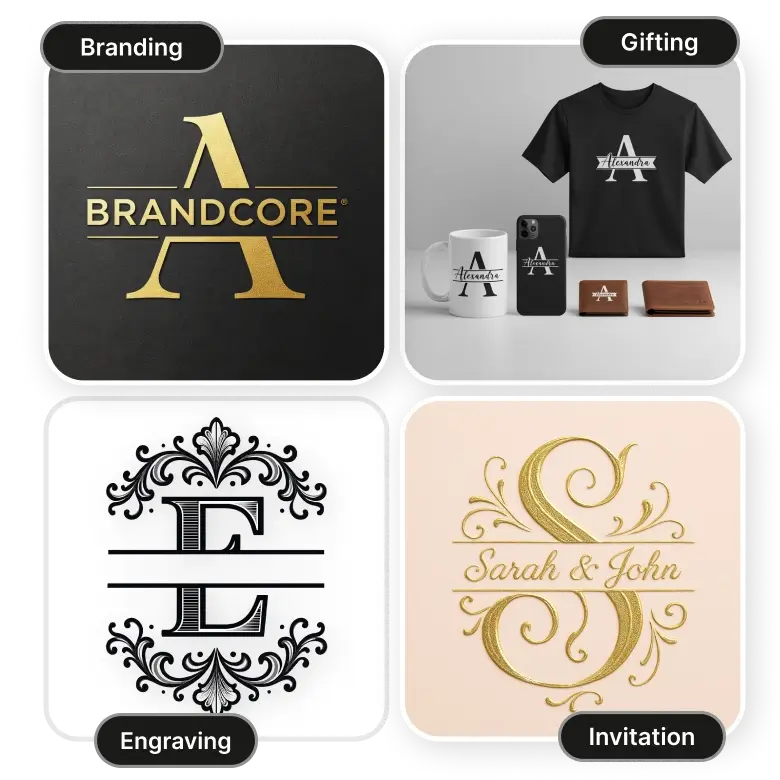
With LightX, you can generate high-quality split monograms and logos in unique fonts, color combinations, and styles. You can not only generate but also print on both small and large canvases. You can use them for:
Branding: Use split logos of your company name on products, packaging, or ads.
Invitations: Create custom split letters to use on greeting cards, invitations, or cover letters.
Gifting: Use personalized monograms on mugs, t-shirts, phone cases, wallets, etc.
Engraving: Use them as design ideas to make embroidery, or engrave on metal, leather, marble, etc.
Split monogram elements to add in your prompt
• Lettering: Mention clearly to “Split” single letter, 2 letters, 3 letters, or words.
• Font: Specify font names, or let AI generate based on adjectives like royal, cursive, or minimalist.
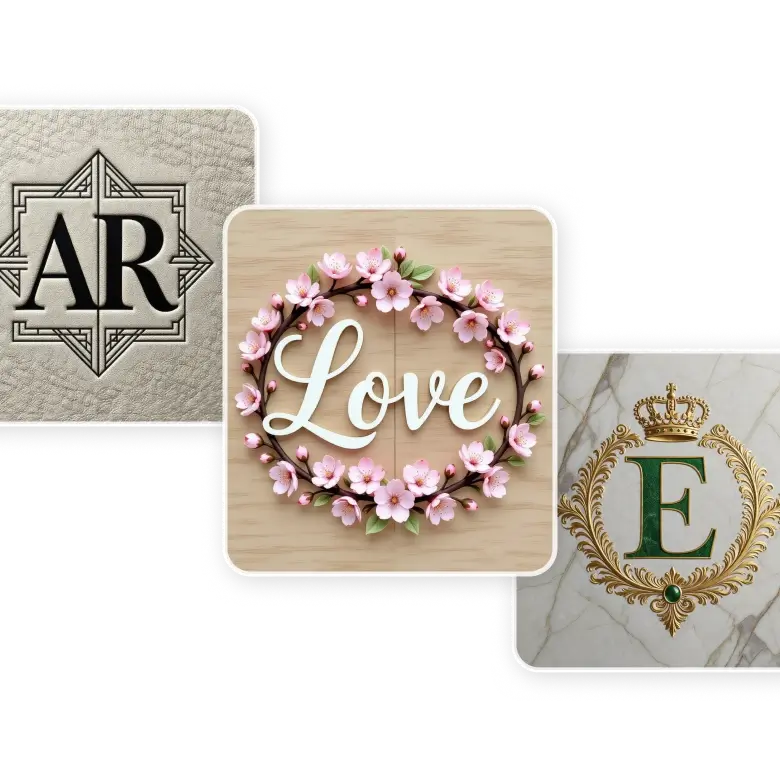
• Design: Include any symbols like flowers, dinosaurs, easter bunnies, geometric shapes, crowns, or hearts.
• Colors: Add colors to the elements and fonts.
• Texture or theme: Mention if you want to see your split monogram on leather, marble, carved in wood, etc.
• Example prompt: Generate a fancy hair salon split monogram with the initials “AR” in silhouette. Add a purple ditsy floral pattern around and engrave the monogram on a digital marble.
Editing your generated split monograms
After you've created a simple split letter monogram, you can edit it further using prompts.
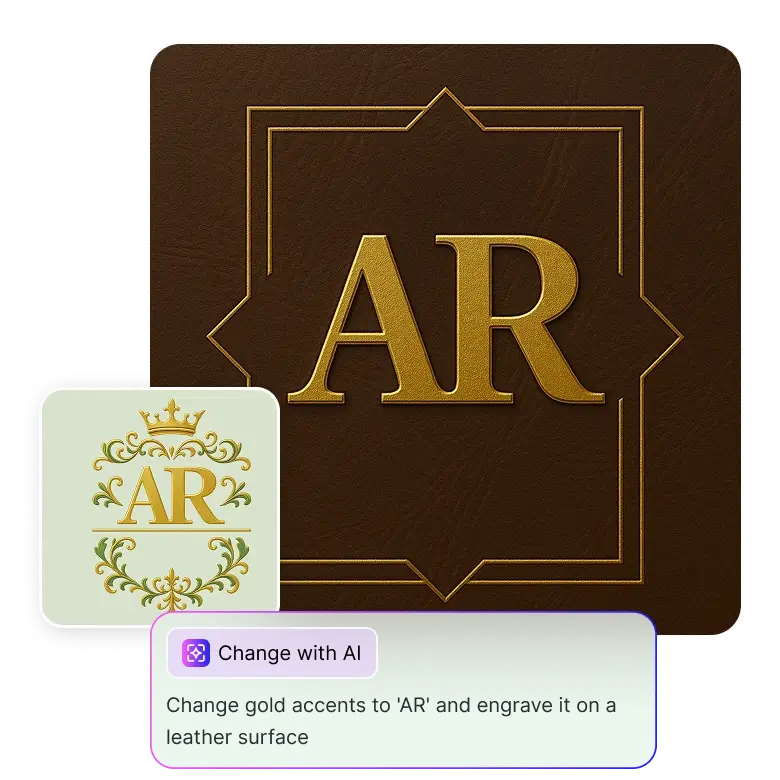
Open the generated image, go to "change with AI," and describe the changes you want in the prompt box. You can tell the AI to change fonts, adjust layouts, replace symbols, or change colors.
For example, in the prompt box, you could write, "Add gold accents to 'AR' and engrave it on a leather surface."
This feature lets you edit only specific elements without having to create a new image altogether.
Features that make our split monogram maker unique
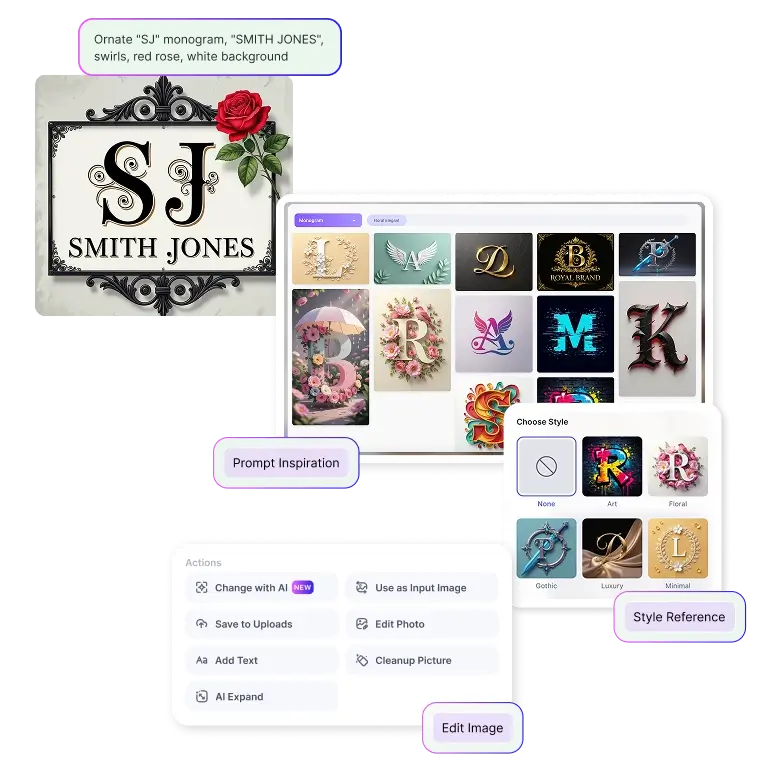
• Create: Both generation and editing can be done with text prompts.
• Inspire: LightX provides free design inspirations that you can edit and make yours.
• Style: Apply preset styles to your generations in one click.
• Accurate: Generates text without spelling errors.
• Simple: An easy interface, made for both beginners and professionals.
• Download: Save your images in high resolution and use them for print or digitally.
Frequently Asked Questions
Yes, you get 5 free credits daily upon logging in. You can purchase more when needed based on your requirements.


