
Restaurant logos with prompts
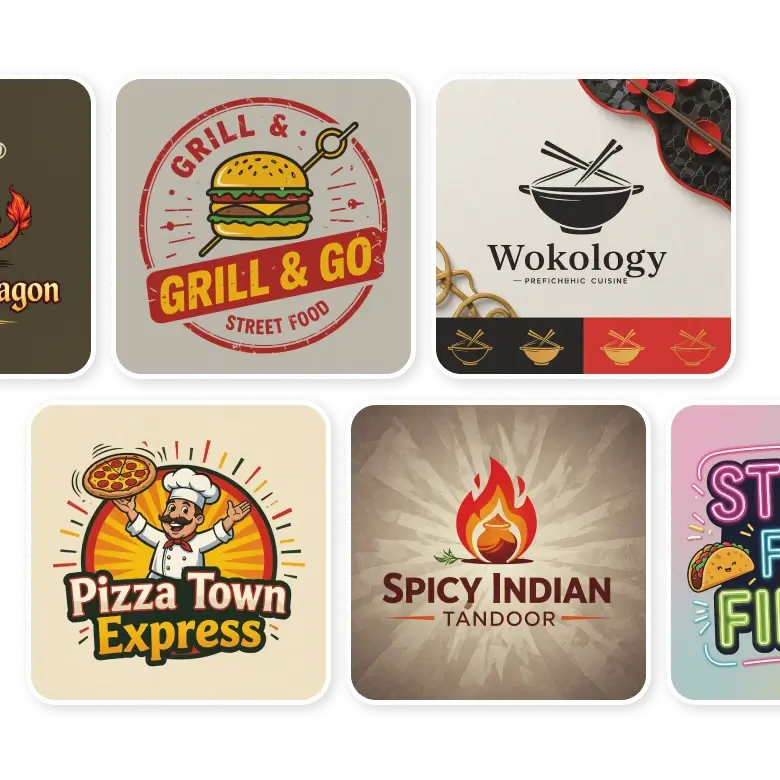
The LightX AI Restaurant Logo Maker is made for restaurant owners, designers, agencies, chefs, food delivery companies, and investors. They can design a unique and creative restaurant logos in just a few seconds without having no designing skills. Just write a prompt and make ready-to-use logos for menu cards, social media platforms, packaging, business cards, food festivals, and more.
How to write prompts
For generating
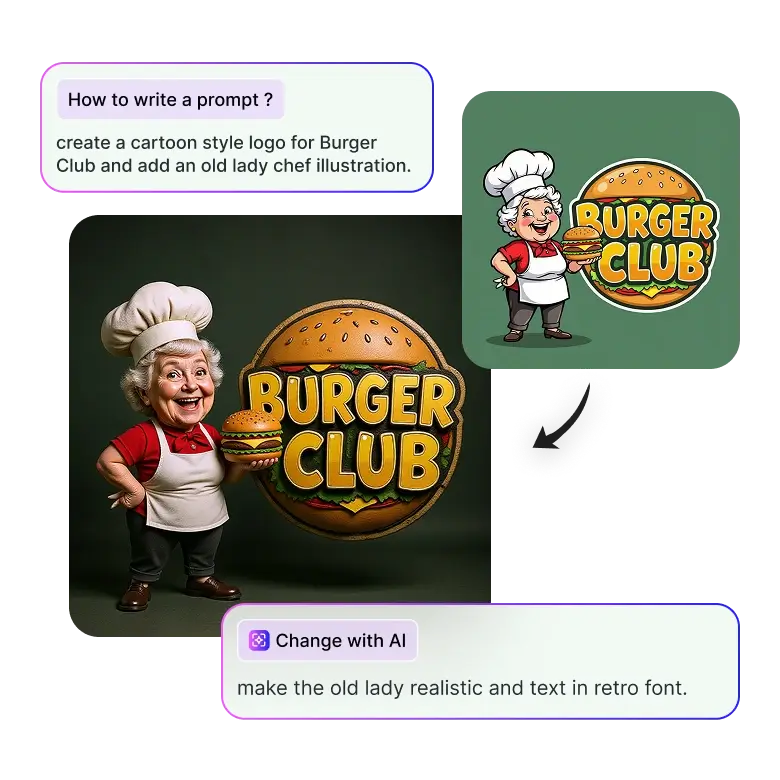
You can start by generating a basic logo by mentioning the business name and some icons or symbols.
E.g.: “create a cartoon style logo for Burger Club and add an old lady chef illustration.”
For editing
Once the tool generates, edit further to make adjustments. You can fix the placement of elements, replace colors, or change fonts and aesthetics.
E.g.: “make the old lady realistic and text in retro font.”
Only specific elements will be changed, leaving the rest of the logo intact.
Change the elements in the prompts, and this method can be used for any type of restaurant.
Fine dining restaurants
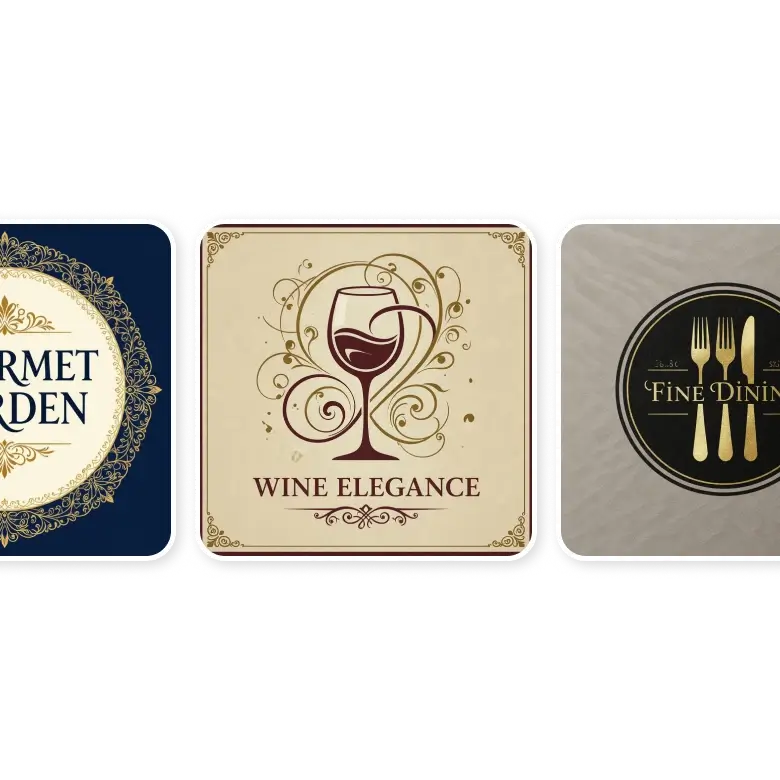
To create logos for fine dining, the design need not have too many elements because, in upscale niches, less is always more. When creating a logo for a fancy restaurant, you can add these elements:
Typography: The name of the restaurant, or the head chef, in elegant or simple logo fonts like calligraphy or handwritten styles.
Colors: Luxurious colors like gold, black, beige, silver, navy, and burgundy.
Aesthetic: Use minimalist designs, vintage designs, modern art, or Neoclassical.
Other details: Abstract shapes, filigrees, minimalistic cutlery, or fine lines.
Coffee shops
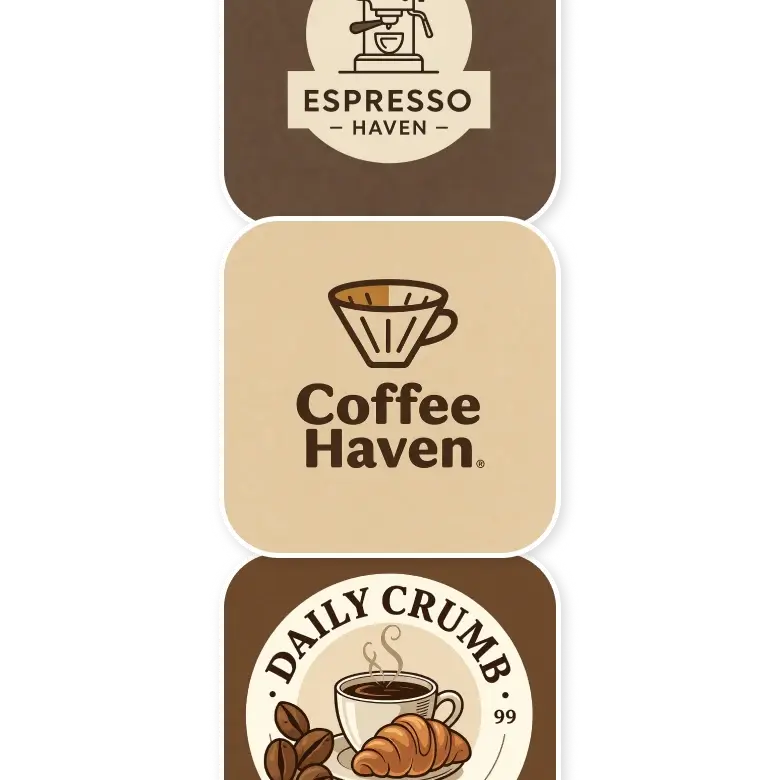
For a coffee shop logo, the design should feel warm and cosy. To achieve that, you can use elements such as:
Colors: Earthy or autumn tones, such as brown, cream, maroon, black, gray, and olive.
Typography and Fonts: Name of your coffee shop, with a slogan, in smooth, rounded fonts, handwritten, or playful fonts.
Graphics: Use imagery like coffee cups, beans, or steam.
Vibe: Use rustic, urban, industrial, bohemian, or cartoonish styles.
Pubs and breweries
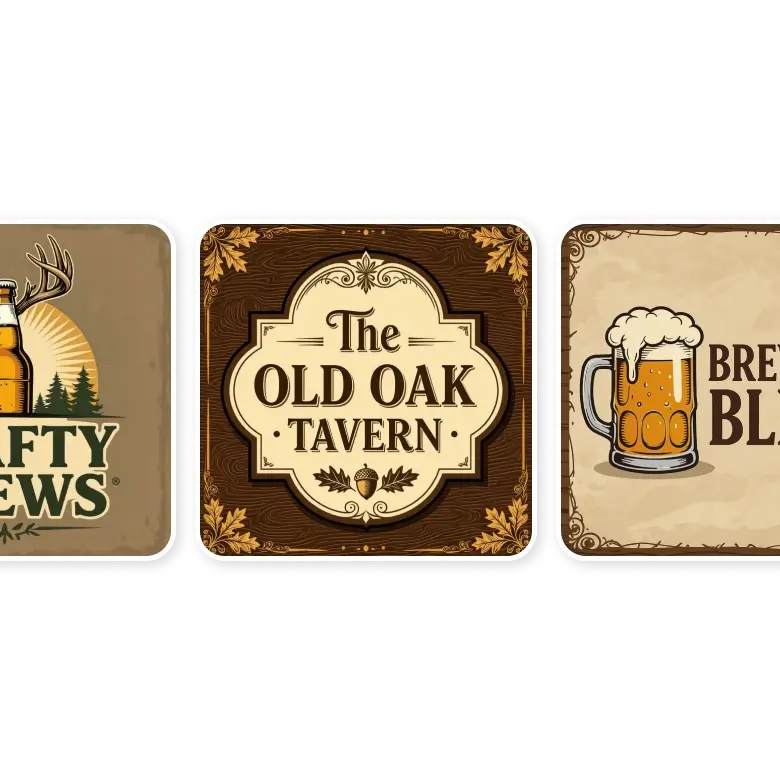
Your logo design for pubs can vary depending on its theme. To create a logo for pubs, try adding these basic elements to your prompt:
Graphics: Imagery like beer mugs, barrels, heraldic symbols, chickens, dogs, bears, or hops.
Theme: Rustic or vintage designs, rugged aesthetics, or a historical vibe.
Typography: The name of the pub in classic fonts or serif typefaces, or retro typography.
Colors: Deep colors like dark green, brown, or deep red, similar to those used in coffee shop logos.
Food Trucks
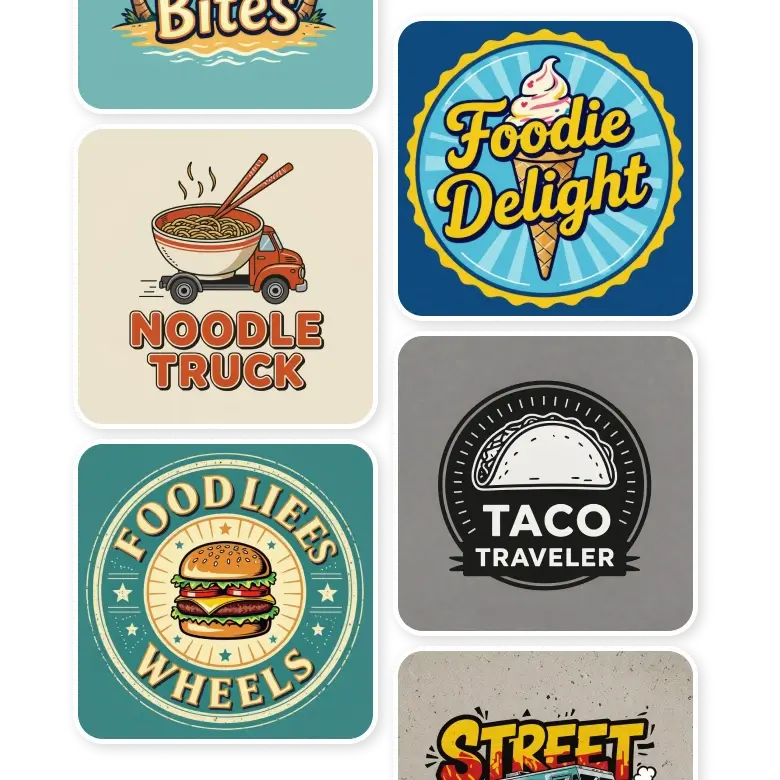
A fast food truck needs a logo that is hip and cool. Try these creative logo elements to create your unique food truck logo:
Fonts: The name of the business or the hot-selling food item, in funky, bold, or playful fonts.
Colors: Bright, contrasting colors like red, yellow, orange, and green.
Icons: Food truck illustrations or specific foods that you're selling.
Design Style: Modern, graffiti-style, eclectic, or beachy.
Bakeries
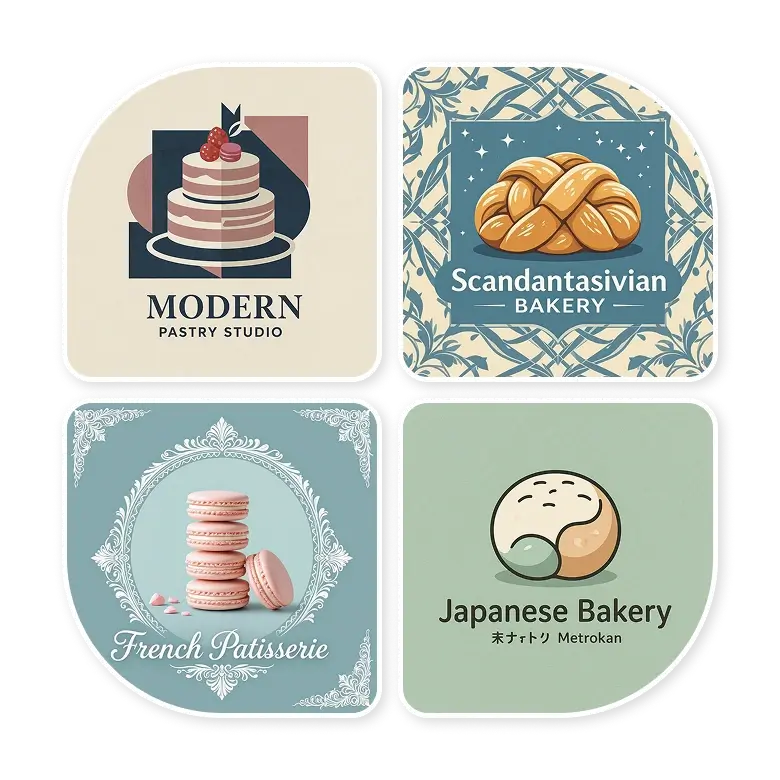
High-quality, homemade, and fresh products is what bakeries about. The elements that you may want to add to your logo can include things like:
Graphics: Imagery of bread, cakes, wheat, baking tools, flowers, fruits, or chefs' illustrations.
Aesthetics: Create in rustic, vintage, elegant, Scandinavian, industrial, or organic style.
Typography: Name of the bakery in handwritten, soft round fonts, vintage, brush-stroked, or calligraphy.
Colors: Pastel and cute colors like soft yellows, pale pinks, or lavenders, beiges.
Seafood restaurants
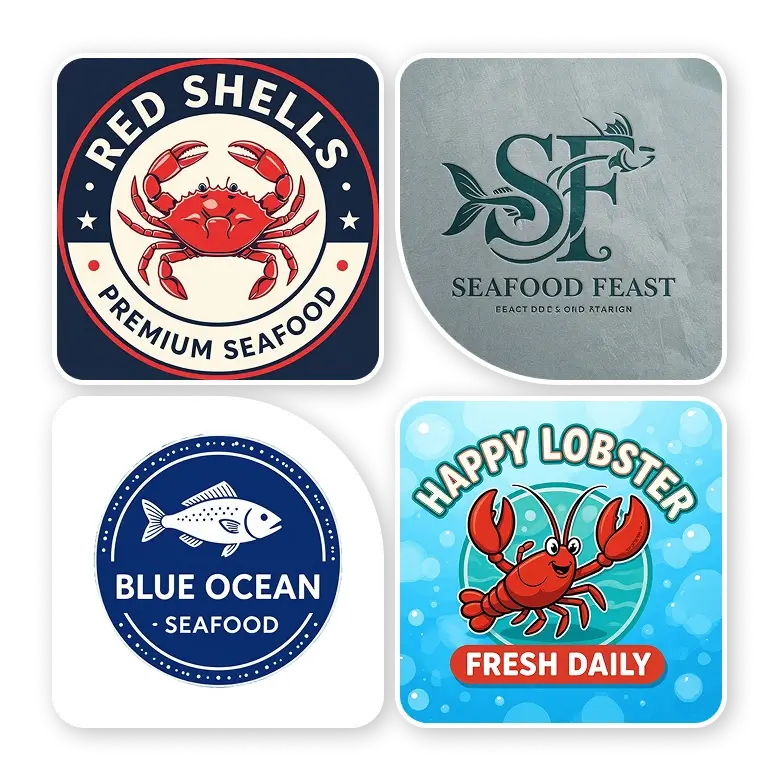
A seafood restaurant logo should convey freshness and quality with some sea vibes. The elements you may want to include in your logo can be:
Icons and Graphics: Your most popular dish, like fish, lobsters, shells, crabs, etc, or ocean elements like waves, anchors, boats, or nets.
Aesthetics: Beachy, rustic, modern, or Mediterranean.
Typography: There is no rule for typography, but you can experiment with playful fonts or elegant fonts if your restaurant is upscale.
Colors: Ocean colors like deep blues, aquas, seafoam greens, and sandy beiges.
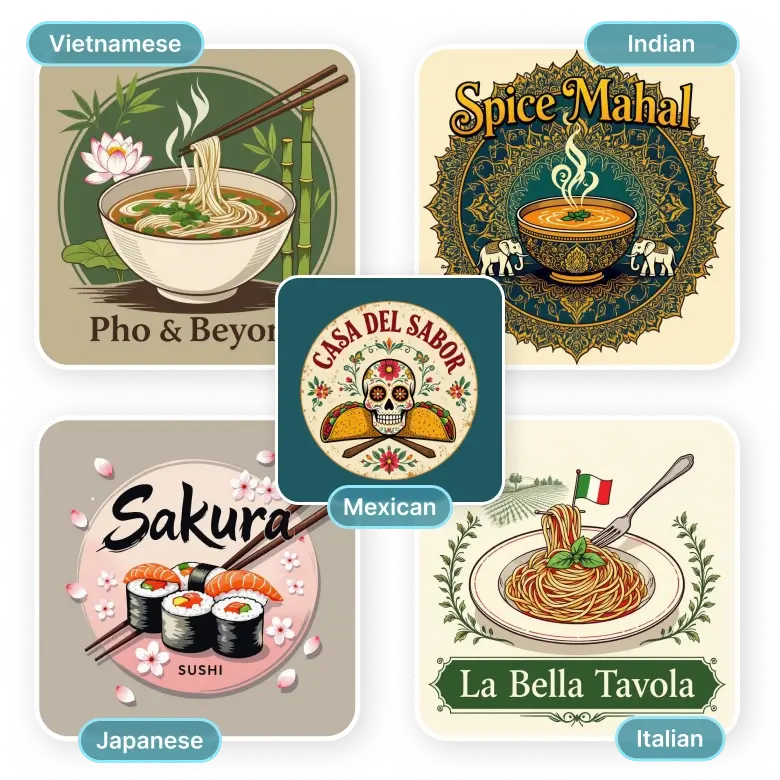
Cuisine restaurants
A specific cuisine restaurant logo is all about cultural diversity. The elements you may want to include in your logo can be:
Icons and Graphics: National dishes, animals of that country, flags, or cultural elements like chopsticks, chilies, olives, etc.
Aesthetics and Colors: Just mention the cultural vibe, such as Italian, Vietnamese, Chinese, Mexican, Japanese, Indian, etc. The tool will automatically add the corresponding colors.
Typography: The name of the restaurant or cuisine. No specific font is required, but you can mix the font style of a language.
How to generate a custom restaurant logo?
Step 1: Prompt
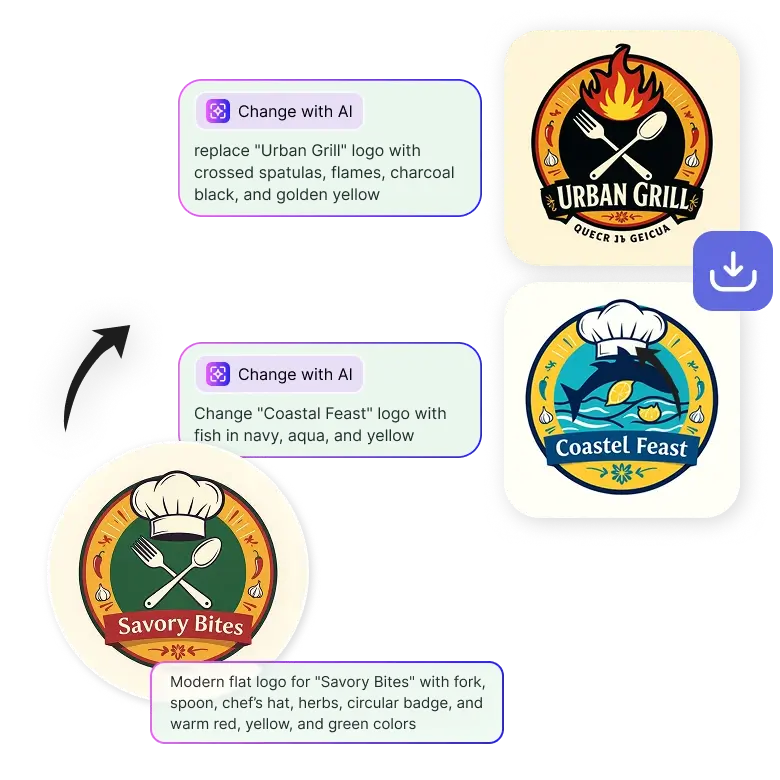
Enter a prompt describing the design. Include elements like the name of the business, icons, style, colors, etc. Then click "Generate."
Step 2: Edit
Click on the generated image, then click "Change with AI." Describe the changes and click on “Generate.”
Step 3: Download
Make as many changes as you want and download in JPG or PNG format.
Frequently Asked Questions
You fully own the logo you generate. Our tool does not replicate logos, even if the same prompt is used again.


