
Simple prompts to professional DJ logos
Whether you're a Club DJ, Mobile DJ, Festival DJ, or Lounge/Chill-out DJ, everyone needs a logo for recognition and merchandising. But creating one that’s unique, creative, and memorable only takes two easy steps:
Type a prompt > Generate.
You can easily create logos for House, EDM, Techno, Hip-Hop, Pop, Bollywood, and more.
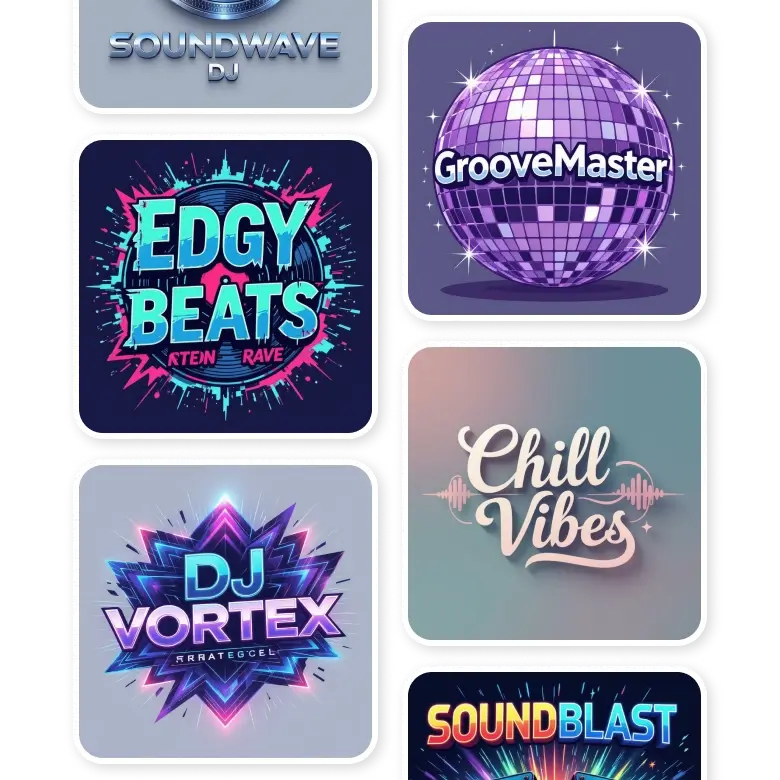
Elements to add in your prompt
• Text: Include the name or initials you want in the logo.
• Font Style: Mention either specific font names or describe them, such as funky, cool, or spikey, elegant fonts.
• Mention icons or symbols (optional): It can be music or dj equipment related, vibe symbols, or shapes and borders.
• Style: Choose a design style like cyberpunk, futuristic, retro, pop, 80s Synthwave, grunge, etc from presets, or add your own in the prompt box.
• Background: Specify the background, like floating in space, on a lightning sky, or on a neon color background.
• Placement of Elements: Specify where the icons and text should be placed.
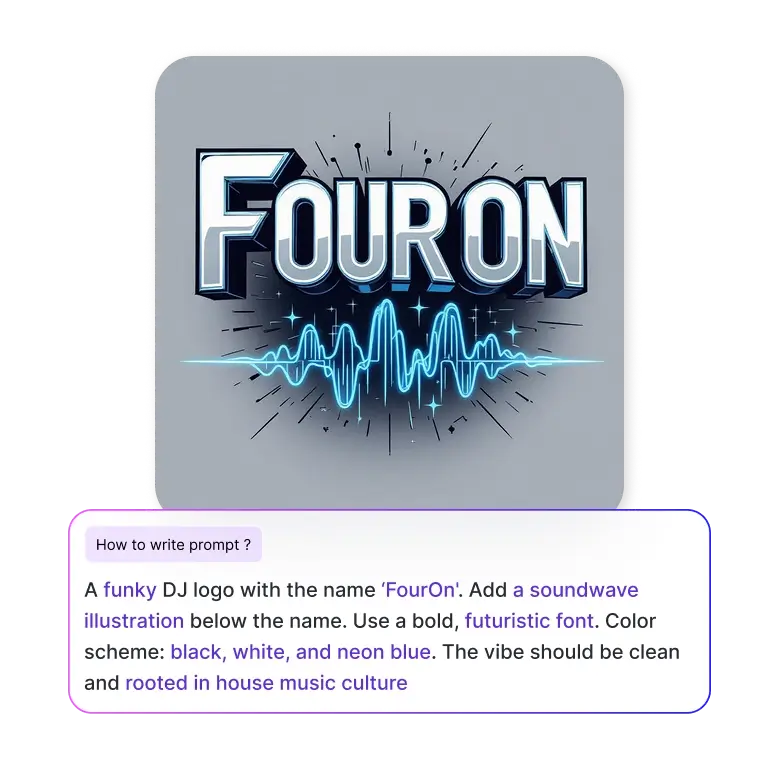
For example: “A funky DJ logo with the name ‘FourOn'. Add a soundwave illustration below the name. Use a bold, futuristic font. Color scheme: black, white, and neon blue. The vibe should be clean and rooted in house music culture.”
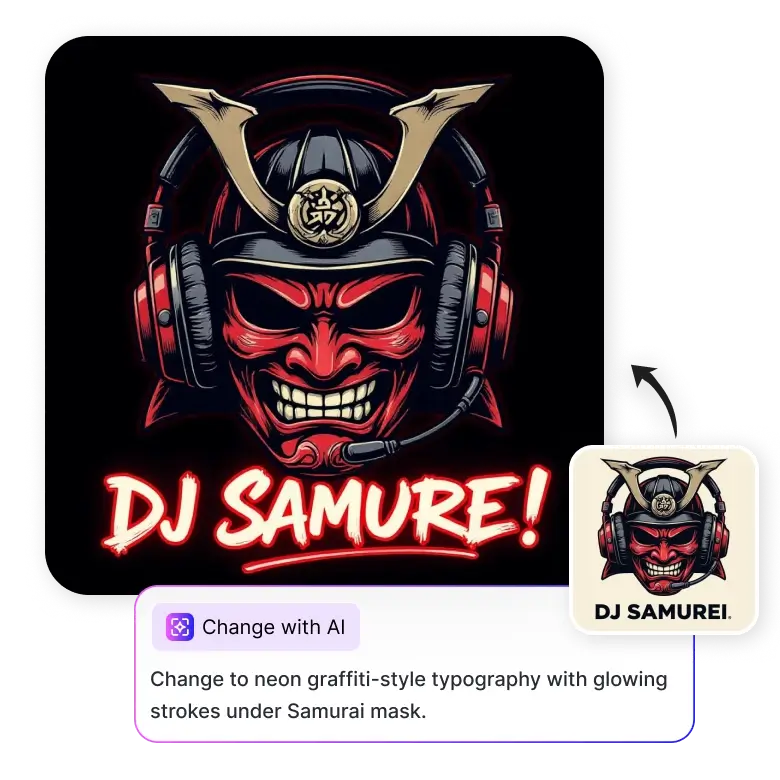
How to edit your generations
Make further edits to your generations with prompts. Click on the generated image and select 'Change with AI.' Then, describe the changes you'd like in the prompt box below. You add or change fonts, layout, color, or other design elements.
For example, mention “Change the color scheme to sunset and ocean blue and add beach vibe to the logo” in the prompt box.
Generate, and only the part you mention will be edited, and everything else will be the same.
Features that make LightX your go-to
• Free 5 credits daily so you can create at no cost.
• Generate and edit your designs with prompt commands.
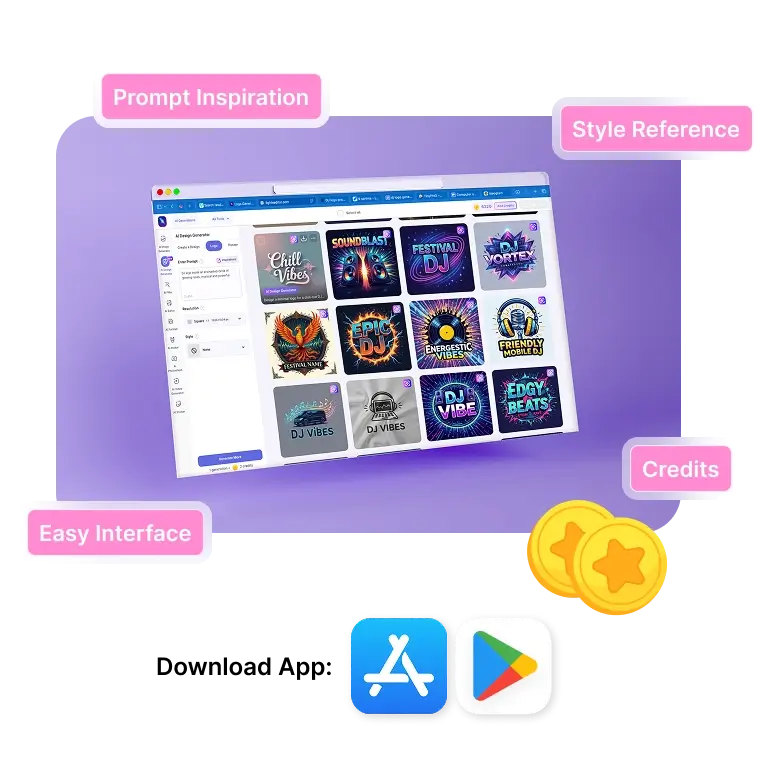
• Get inspiration from many DJ logos and make them your own.
• Use preset styles in one click for efficiency.
• Accuracy in typography and spelling.
• An easy interface, made for people of all skill levels.
• App access on Play Store and App Store for generations on the go.
Frequently Asked Questions
The best practices to follow are to keep your logo as clean as possible and make your name as prominent as possible so it's easily remembered. Avoid cluttering it with too many elements. When it comes to colors, choose them based on your music style or niche. For example: dark tones for slowed + reverb, techno, bright neons for trap, and earth tones for lo-fi or chillout.


